AI Chatbot and WhatsApp Bot Development
AI chatbot development for your website, WhatsApp and in-app chat, grounded in your company documents. Human handoff, CRM connection and privacy notice.
This page serves businesses that want an AI chatbot to answer customer questions on their website, in WhatsApp or inside their app; we cover AI integration into products and business processes in general on our AI integration and AI solutions page, while this page covers only the chat interface and the WhatsApp channel. The bot answers from your own company documents. When it cannot find an answer, or when a conversation meets conditions you set, it hands over to your team. It only replies to conversations the user starts and never sends messages on its own.
What does a chatbot solve, and what does it not?
A chatbot does well with frequent questions whose answers are already written down somewhere. Opening hours, delivery and return terms, product or service details, application steps and the relevant clause of a contract all fall into this group. The bot answers these questions outside office hours too. Your team stops answering the same question again and again during the day and spends that time on conversations that need a real decision. Collecting the details a request needs (name, order number, topic) before passing it to the team is also the bot's job. That way, when an operator takes over, the user is not asked the same questions twice.
We also write down what it does not solve, right at the start. The bot cannot correctly answer a question that no document covers. If your documents are incomplete or contradict each other, the bot does not fix that, it only makes the gap visible. Decisions that need a person to take responsibility, such as approving a refund, resolving a complaint or negotiating a price, stay with your team. Questions that amount to legal, medical or financial advice should also go to a person. The bot does not replace your customer service team. It takes the repetitive questions off their plate. In the discovery call we draw this line by looking at real examples of the questions you receive, and we turn it into a written list of the topics the bot will answer.
Channels: website, WhatsApp and in-app chat
The bot can run on three channels. You can also start with one channel and add the others in a later phase. Website. The bot runs in a chat window added to your site. The window is styled to match your site, and you decide which pages it appears on. We recommend telling users plainly in the first message that they are talking to an AI assistant.
WhatsApp. We built our WhatsApp integration ourselves, directly on Meta's WhatsApp Business Platform. There is no third-party intermediary provider in between, so messages travel from Meta's platform straight to the system the bot runs on. This does not mean working outside Meta's rules: account, phone number and messaging policies always follow Meta's rules. The bot replies to conversations that open when the user writes first. In-app chat. This is a chat screen built into your mobile or web app. Because the user is already signed in, the bot can answer from that user's own record (for example, order status) to the extent you allow. Permission design matters most on this channel, because the bot must show each user only the information that belongs to them.
Connecting to your company data (RAG), data boundaries and privacy notices
The bot builds its answers from your documents, not from general internet knowledge. This approach is called RAG: the document passages closest to the user's question are retrieved, and the model writes its answer based on those passages. Sources can include FAQs, the product catalog, policy texts, user guides and support records. When a document changes, its new version is indexed again, and the bot does not have to be rebuilt.
Before setup, we write down the data boundary. Which documents may serve as sources for the bot, and which never will? Which fields in a user's message are masked before they reach the model? Making sure the chat never asks for data such as ID numbers or card details is part of the same boundary. We cover the topic in depth in our article on data boundaries for GDPR-compliant AI.
Privacy notice. A chatbot processes personal data. As soon as users type their name, phone number or order number, that data is being processed on behalf of your business. This is why we set up the chat so that a link to your privacy notice is shown at the start of the conversation. The content of the privacy notice belongs to your business as the data controller, and we recommend preparing it with your legal counsel. Nothing on this page is legal advice.
Model choice and cost control
We pick the language model for the job at hand. For short, frequent questions a small and fast model is often enough. Questions that require reading several documents together need a stronger model. Two models can also work in the same bot: each question is classified first, and only the conversations that need it go to the larger model. We compare what to look at when choosing in our article which AI model to integrate.
Most of a chatbot's cost does not come from setup. It comes after launch, with every message. That is why we build cost control into the design. A spending cap is set per conversation. Answers are cached so that the same question does not go to the model again and again. Only the document passages relevant to the question are sent to the model, and answer length is limited. Spending is monitored, so an unexpected rise gets noticed. The methods are explained in our article on LLM cost optimization.
Human handoff and CRM connection
Your operators can step into any conversation at any time. You also decide, in your own panel, the conditions under which the bot hands a conversation over by itself. Such a condition could be the user asking for a representative, the bot finding no support for an answer in the documents, or the conversation turning to a topic such as a complaint or a refund. The operator who takes over sees the conversation history and continues from there.
The bot can connect to your CRM. So far we have built integrations with Pipedrive, HubSpot and Uyumsoft. Which information is written to which CRM record, and at which point in the conversation, is decided during discovery. If your CRM or call center software is not on that list, the interface that system offers decides how deep the connection can go, and we look at it together during discovery. If the bot needs to look up information such as order status in your own systems, it gets only the read access its job requires. We explain the principles for setting up this access safely in our article on taking AI agents to production.
Measurement: handoff rate, unanswered questions and record keeping
Whether a bot is useful is judged from the records, not from impressions. We track three things. Handoff rate. We track how many conversations go to an operator, and for what reason. On its own, the rate is neither good nor bad. The real information is in the spread of handoff reasons. Unanswered questions list. Questions for which the bot found no support in the documents are collected in a list. The list shows which information is missing from your documents. Once the missing information is added, the bot can answer that question too. Record keeping. Conversation records are stored encrypted and kept only as long as necessary. Why and for how long records are kept should match what your privacy notice says.
What drives the cost of a chatbot project?
Chatbot scopes vary too much between businesses to publish a price here. The first step is a discovery call. The final price is in the written proposal we send after that call. These items shape the proposal:
- Channels: which of website, WhatsApp and in-app chat will be set up.
- Source documents: the amount and format of the documents, and how often they change.
- Integrations: the number and depth of connections such as CRM, call center and order systems.
- Handoff rules: how your operator teams are organized and how complex the handoff conditions are.
- Languages: how many languages the bot will answer in.
- Usage volume: the expected number of messages, which directly affects model and infrastructure costs.
After launch there is a free support period, sized to the scope and duration of the project. Small fixes are made during this period. Maintenance and changes after the support period are billed separately. You can request a discovery call from our contact page or quote form.
Key Benefits
- Website, WhatsApp and in-app chat channels
- Built directly on Meta's WhatsApp Business Platform, no intermediary
- Answers grounded in your company documents (RAG)
- Operators can step into any conversation at any time
- Integration experience with Pipedrive, HubSpot and Uyumsoft
- Encrypted conversation records and a privacy notice link
Frequently asked questions
Can the chatbot connect to our own data and documents?
What happens if the chatbot gives a wrong answer?
How is user consent handled on WhatsApp?
How does it work with our existing call center and CRM?
Where is conversation data kept, and for how long?
How does maintenance work after launch?
Do we need an intermediary company for the WhatsApp integration?
 Türkiye
 Witten, Germany
 Solihull, United Kingdom
 United States
Other services in this group
All servicesVibe-Code to Production
Cursor, Lovable, Replit, Codex and Claude Code output made production-ready: security audit, fixes shipped as PRs, a permanent CI/CD security gate.
AI Integration and AI Solutions
AI integration: we connect LLM and agent systems to your existing product and workflows. RAG, document automation, measured accuracy and clear data boundaries.
AI Agent Readiness & Access Audit
A fixed-scope audit before your AI agents go to production: agent inventory, least-privilege access map, KVKK/GDPR data flow, audit trail, human approval gates and a roadmap.
How We Deliver This Service
Technologies We Use
View AllNext.js
React-based full-stack framework. Build production-grade web apps with SSR, SSG, App Router and Edge Runtime.
.NET
Microsoft's modern, cross-platform backend framework. High-performance APIs, microservices and enterprise systems.
Node.js
JavaScript runtime on the V8 engine. Fast I/O, event-driven architecture and a vast npm ecosystem for backend development.
Other Projects
View All
Leonix - A Supplier Platform Connecting Automotive and Heavy-Duty Parts Manufacturers to the US Market
A platform that connects automotive and heavy-duty parts manufacturers and suppliers from around the world with buyers in the US: supplier panel, admin panel and e-commerce store in one system.

Paşa Yapı Tasarım - Facade & Decoration Corporate Website
Bilingual (TR/EN) corporate website for Paşa Yapı Tasarım, an Istanbul facade, interior, ceiling and flooring firm since 1992. 22 application pages, a 6-step quote wizard, e-catalog and AI-search-ready SEO.

bebekistiyorum.com - Multilingual IVF Clinic Website, SEO and GEO
Eurofertil IVF Centre's legacy ASP.NET site was rebuilt as a 4-language Next.js platform: 1,200+ URLs preserved with 301 mapping plus full SEO and GEO setup.
Related Articles
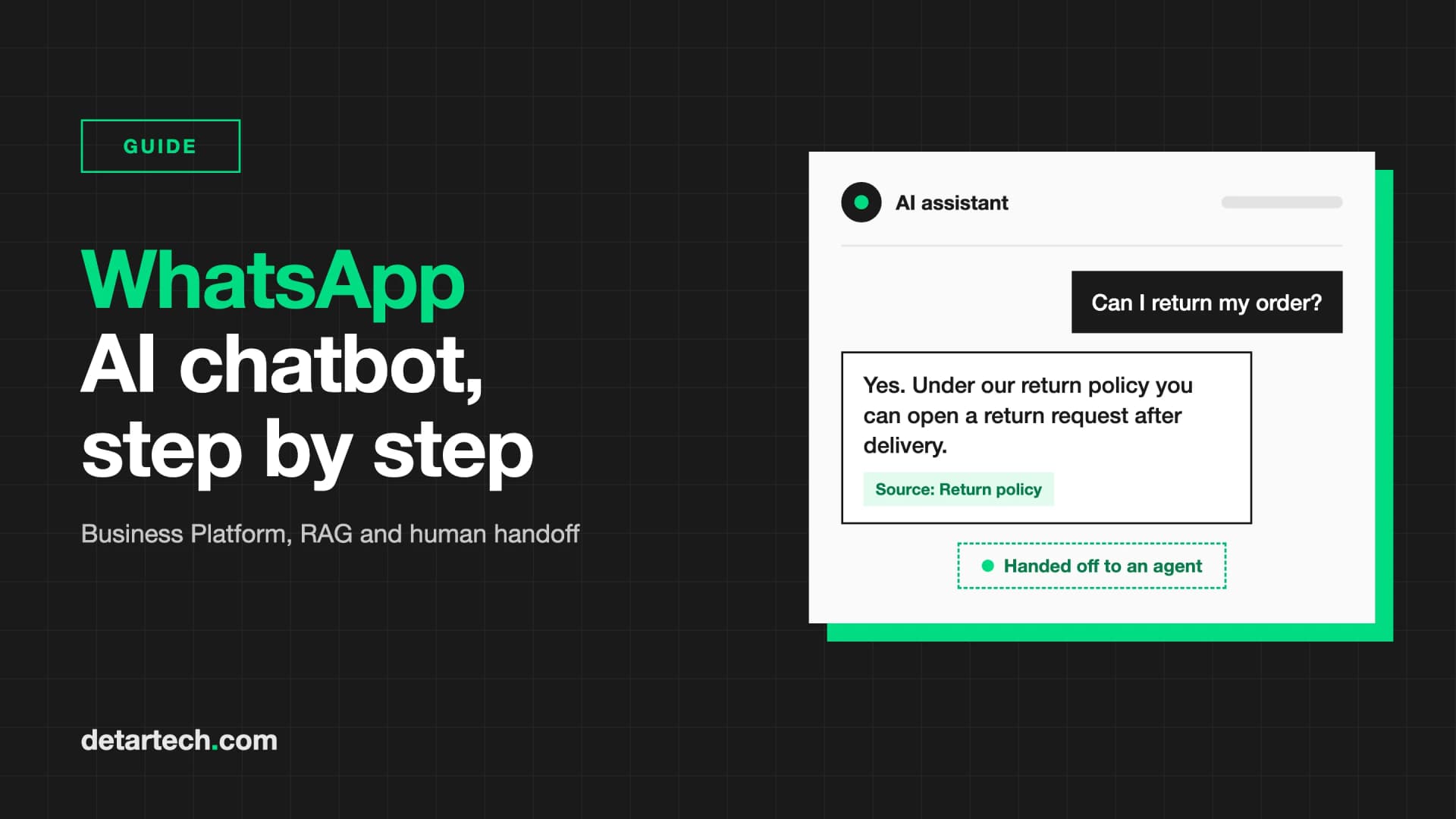
How to Build a WhatsApp AI Chatbot: Business Platform, RAG and Human Handoff
What it takes to answer customer questions on WhatsApp with AI: the Business Platform, the 24-hour window, grounded answers with RAG, human handoff and a step-by-step setup.
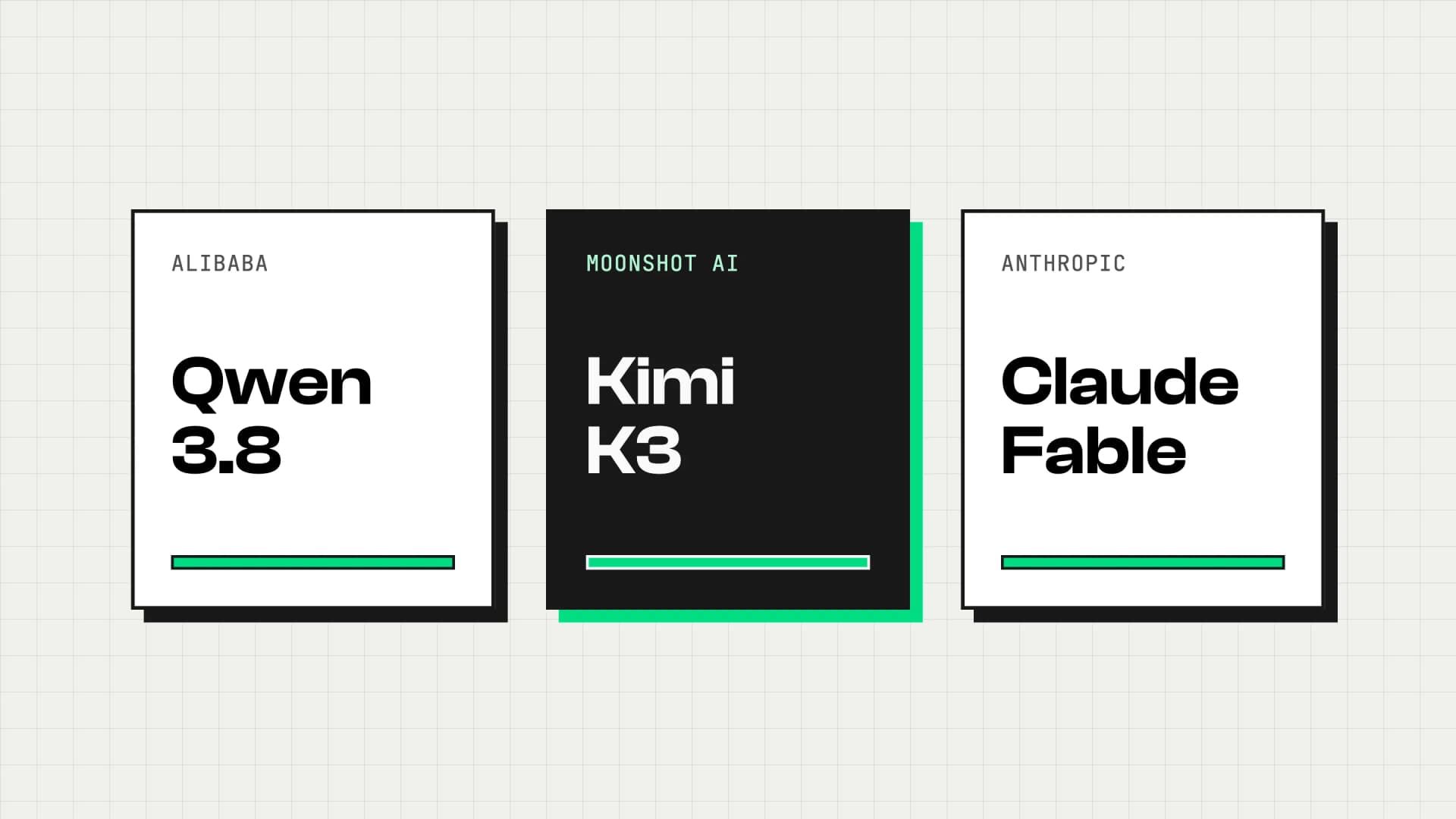
Qwen 3.8, Kimi K3 or Claude Fable: Which AI Model Should You Integrate?
How to choose between Qwen 3.8, Kimi K3 and Claude Fable 5.2 based on data privacy, token volume and context needs. A comparison of price, context and self-hosting.
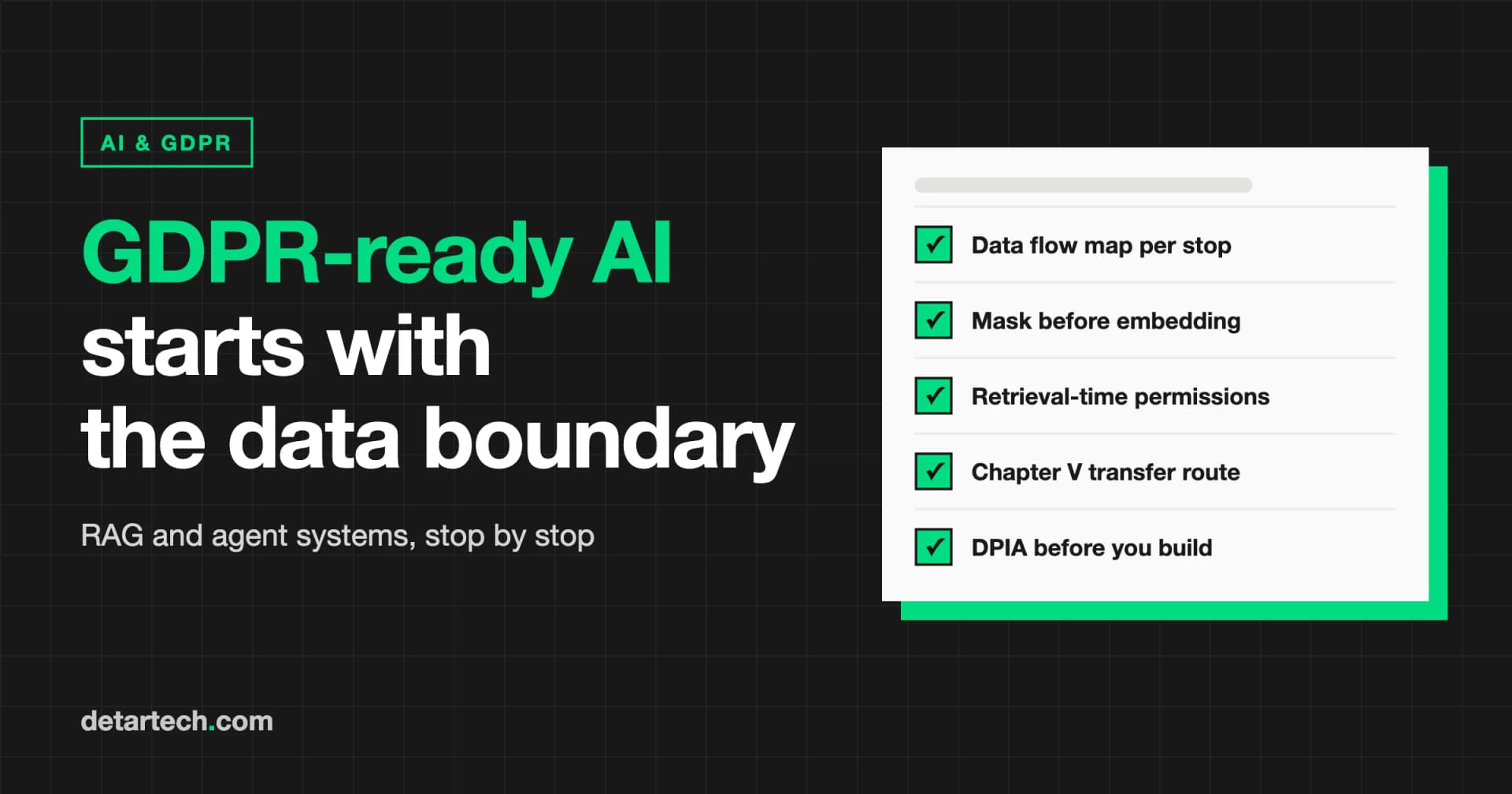
GDPR-Compliant Enterprise AI: Data Boundaries in RAG and Agent Systems
Where personal data goes in RAG and agent systems under the GDPR: third-country transfers, masking before embedding, retrieval-time access control, logging, DPIA and a checklist.
LLM Cost Optimization: Cutting AI Costs Without Hurting Quality
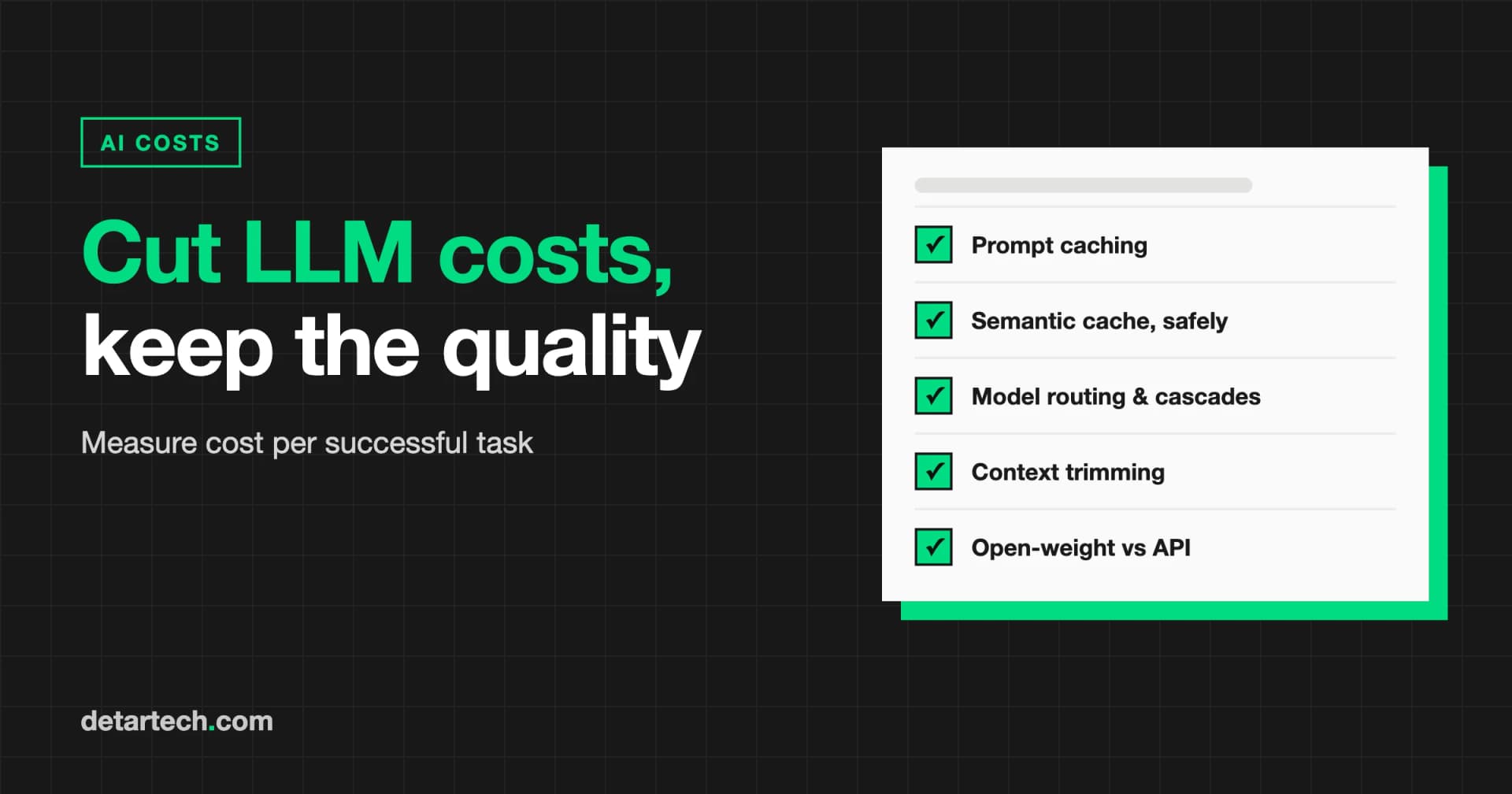
Is your AI bill growing? A guide to cutting LLM cost with prompt caching, semantic caching, model routing, context trimming, batch processing and open-weight models, measured per successful task.
How to choose an AI integration company
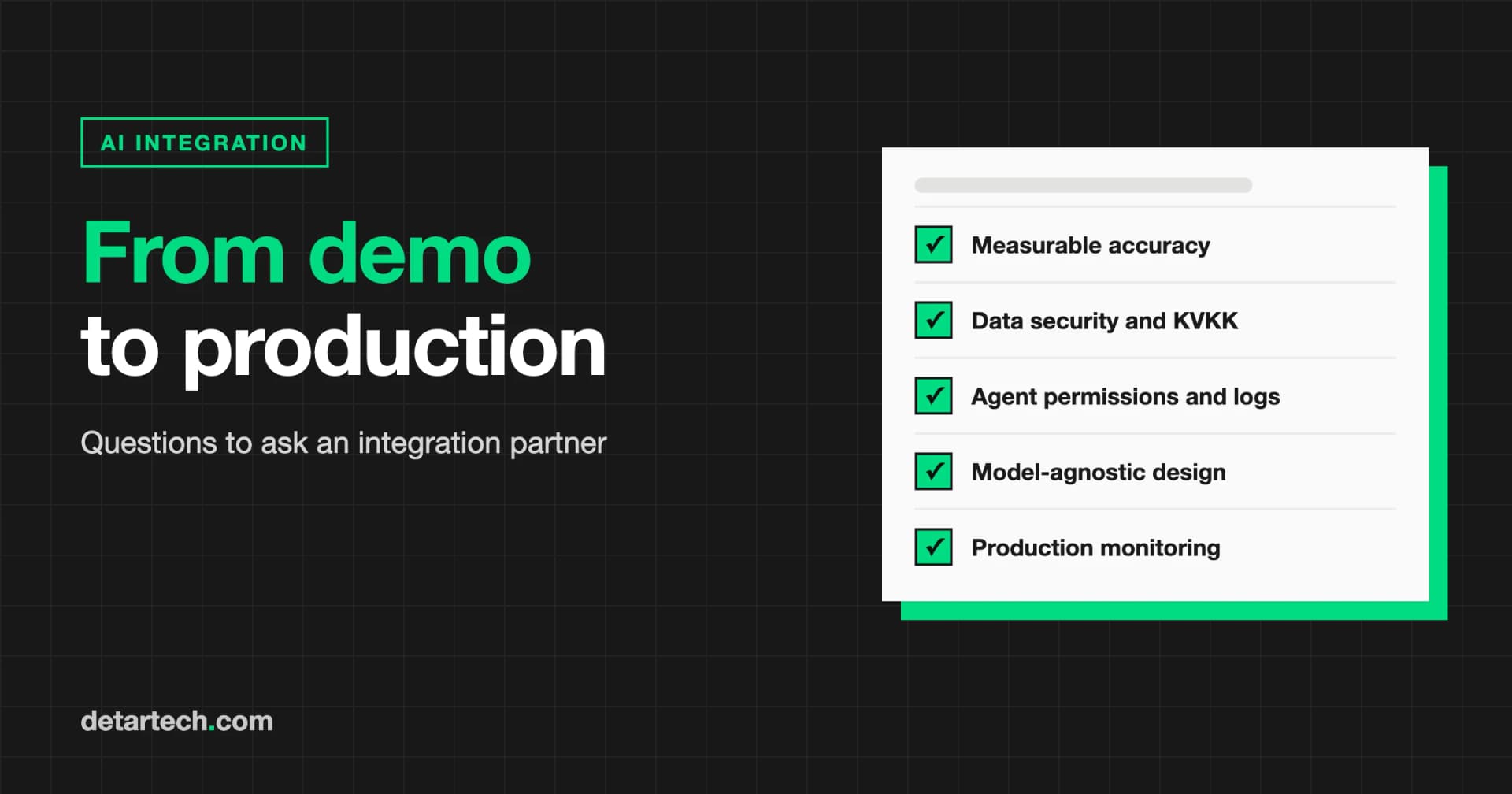
Questions to ask an AI integration company: accuracy measurement, data protection, agent security, cost control, monitoring and who owns the prompts and code.
Let's Talk About Your Project
How can we apply this service to your project?
Fill out the quote form for a free 30-minute discovery call.