Mobile App Development
Mobile app development for iOS and Android with Flutter and React Native, from Istanbul: version compatibility, offline use, store release, accounts you own.
The screens are the most predictable part of a mobile app. The hard part is distribution: the version you publish lands on a user's phone and stays there for months, and a bad release you would roll back on the web in ten minutes cannot be rolled back on mobile. Store review sits in the middle, and nobody installs the update at the same moment. That is why the most expensive decision is not how a screen should look, but how many versions will be running in the field six months from now and how the server answers all of them. At Detartech we open every mobile project with that question.
The real challenge in mobile apps
Unlike a web release, a mobile release is a distribution to thousands of independent devices, each taking the update whenever it decides to, with two gates in between that you do not control: store review and the user's update behaviour. A downloaded version cannot be recalled. There is no rollback, only publishing another version, and that one goes through review again. Three consequences follow: the server has to stay compatible with old clients you can no longer change; the app has to be able to tell a user "this version is no longer supported"; and field errors have to be visible remotely, because users do not report bugs, they delete the app. Unless these three are built into the first release, they get built later at a higher price.
The decisions a mobile project actually makes
The six headings below cover the durable decisions in a mobile project: two on technology and contract, two on device constraints, two on distribution.
Choosing between cross-platform and native
Flutter and React Native produce iOS and Android from one codebase; Swift and Kotlin write each platform separately. Three criteria decide it: how much the app touches device capabilities (camera, Bluetooth, background location), how much platform-specific feel the interface needs, and who maintains the app after handover. Feeding one team instead of two is often decisive for business applications. Welldone is the example there: the field app in Flutter, the management panel in React, the services in .NET. The field needed QR scanning for item-level packing and instant order status, not a platform-specific interaction. Choosing cross-platform does not mean native code is never touched: permissions, notification registration and background behaviour are still handled per platform.
The backend contract and version compatibility
A mobile app's API is a contract, and on the other side of it sits a client you cannot update. On the web you ship the interface and the server together; on mobile you cannot. So the rule is: no field removed, no field renamed, no new required field. When a change is needed, a new field is added and the old one keeps being populated, with the version at which it stops written down. The server also has to state the minimum app version it supports, because closing the support window is a server-side decision. Togodo and Welldone both run .NET services behind the mobile client. When the problem is not the contract but the load, meaning concurrent users and query cost, the work leaves the mobile side and moves to Backend Scaling.
Offline behaviour and synchronisation
Offline support is not a feature added later; it is a decision that changes the data model from the start. Three questions get answered while scope is written: which screens open without a connection, whether an offline write is queued or blocked, and which side wins when two devices change the same record at different times. If the third answer is not written down, data corrupts silently and you notice months later. Supporting offline means a small local database and a synchronisation layer inside the app, a real cost line. In field apps used in warehouses, basements and vehicles, skipping it ends with the app not being used at all. Inside an office it can be needless complexity, so the decision follows the need, not a default.
Notifications and background work
A push notification is not a feature of the app, it is a chain: your server, the Apple and Google notification services, the device, and an operating system that has the last word. It can be dropped at any link: the user can refuse permission, the system can delay delivery to save battery, the device can be off. So no workflow depends on notifications alone; a user who misses one has to see the same information when they open the app. Background work is limited too: the operating system wakes your app when it decides to, and a feature built on a background task assumed to run at regular intervals works on the test device and fails in the field. Togodo is the example here: real-time messaging and push notifications were built for the social events app.
Store submission and the reasons apps get rejected
The App Store and Google Play are separate processes with different rules and timelines. In the release calendar, review time stands as its own line: it is outside your control and the first submission is usually the slowest. The common rejection reasons can be cleared up front: a missing or inaccurate privacy declaration, no path to delete an account, no working test account for the reviewer, mandatory sign-in without justification, permissions requested without an explanation string, incomplete store assets. Each one, fixed after the fact, costs a full review round, so they sit on a pre-submission checklist. The store listing is part of the delivery package too: title, description, keywords, screenshots. An automated build pipeline shortens the loop; on Welldone the CI/CD automation was built with Jenkins, and the detail belongs to DevOps and CI/CD.
Forced updates and the fact that releases are irreversible
The minimum supported version mechanism is built into the first release, not added later. It works simply: on launch the app tells the server its version, and if that version is no longer supported the user sees a blocking screen linking to the store. Without it there is no way to retire an old version; all you can do is wait. Once it exists it gets used sparingly, because a forced update stops the user mid-task; it is reserved for security holes, bugs that corrupt data, or a contract change that can no longer be sustained. Staged rollout is another safety valve: you open the release to a fraction of users, watch the crash rate, halt it if things go badly. Halting only protects those who have not installed yet. That is why crash reporting is switched on with the first release; learning about a field problem from store reviews is the latest possible way to learn it.
Why old versions become a problem
Every version you have published keeps living in the field. Between devices with auto-update off, operating systems that no longer receive updates, and users who open the app once a month, what exists out there at any moment is not one version but a queue of them. The daily cost: every server change has to be checked not only against the newest version but against the oldest supported one. The expensive class of bug is not the crash, because a crash is visible. The expensive one is an old client writing missing or outdated data, silently, into the database. So the supported version window becomes a written policy from the start: which operating system versions are supported and how the app behaves below a given version. There is also the test most teams skip: the new server version is tried while the previously released app is still installed.
The scope of post-launch maintenance
Maintenance on mobile does not mean "fixing bugs". A mobile app stops working over time even if nobody touches its code, because the ground underneath it changes several times a year. The calendar has fixed items: behaviour changes in each year's operating system major release, store rules on build targets and privacy declarations, expiring signing certificates, third-party library updates. When a certificate expires the app keeps running but you cannot publish a new version, so you lose the ability to fix bugs. Alongside sits continuous monitoring: crash reports, unresponsive-screen records and store reviews. A store review is not a marketing indicator, it is a bug source. Taking over a live app and improving it is normal work here too. On Togodo the existing app was functional, but the event management, messaging and user profile screens had gaps; new screens were designed for the existing platform, real-time messaging was built, and SEO and ASO (App Store Optimization) work was carried out.
How we choose the right format
The decision rests on four questions. If the browser can carry the job, meaning the need is to show content, collect a form or present a report, a mobile-friendly web application ships faster and does not wait for a store review. If demand is not yet validated, that gets validated in MVP Development first, because being listed in the store is not proof of demand. If it is an internal tool with a known user base and the flow needs no camera, QR scanning, offline operation or hardware access, a web panel gets there faster. If notifications are the only reason for the app, email, SMS and web push get evaluated first, because taking on an asset that needs permanent maintenance for a single channel is an expensive decision. Once these four questions are answered, the right format follows from them.
Accounts, signing keys and handover
Ownership on mobile is not only the source code, it is the accounts and the keys. Store accounts are opened in your company's name: the listing, reviews, ratings and download history are tied to that account, and moving one is a separate job. Signing keys matter even more. If the Android signing key or the iOS certificates are lost, you cannot update the same listing; users would have to install a new app and your user base resets. So the keys are kept under your control from the start. Source code sits in your repository with its full history; server and database run on accounts in your name. The handover document is part of the delivery package too: how the app builds locally, how it reaches the stores, which permissions are requested and why, and the minimum supported version policy.
Two apps currently live
Both projects below are live, each with its own page in the Success Stories section.
- Welldone: A Flutter field app, a React management panel and .NET services for an industrial laundry operation. Order, shipment, shelving and packing came onto one platform; the field team scans QR codes for item-level packing, order status updates instantly, team communication runs through the same platform. Infrastructure on .NET and MySQL, CI/CD automation on Jenkins. Welldone Helper can be downloaded from the App Store and Google Play.
- Togodo: A live social events app was developed further. New screens were designed for event listing, user profiles and community management; users create events, join them and invite friends. Real-time messaging and push notifications were built, SEO and ASO work was carried out, and performance improvements corrected behaviour under high traffic. Flutter on mobile, .NET on the server.
Key Benefits
- One codebase with Flutter and React Native, Swift and Kotlin where needed
- A backend contract compatible with old clients, plus minimum version checks
- Offline behaviour and conflict rules written into the scope
- App Store and Google Play submission, rejection causes cleared beforehand
- The forced update mechanism is built into the first release
- Store accounts, signing keys and source code stay in your name
Frequently asked questions
How long does a mobile app take, and can you commit to a date?
Can a single codebase really match native?
Who keeps the store accounts, signing keys and the code?
What happens if users do not install an update right away?
Is maintenance mandatory after launch, and what happens without it?
Does every business need a mobile app?
What determines the cost of mobile app development?
Flutter or React Native: which should we choose?
Where We Deliver This Service
- iOS and Android Apps for the Turkish Market
- Mobile App Development in Istanbul
- Mobile Apps for Web Platforms in Witten
- Mobile Apps for Catalogue Platforms in Solihull
- Mobile Apps for Companies in Germany
- Mobile Apps for Field and Warehouse Teams in Bursa
- Mobile App Development for Mersin Businesses
- Mobile App Development for UK Companies
 iOS and Android Apps for the Turkish Market
 Mobile Apps for Web Platforms in Witten
 Mobile Apps for Catalogue Platforms in Solihull
How We Deliver This Service
Other Technologies We Work With
View AllFlutter
Google's cross-platform UI framework. Native-performance apps for iOS, Android, Web and Desktop from a single codebase.
React Native
Native iOS and Android apps with React knowledge. JavaScript/TypeScript codebase, real native components.
.NET
Microsoft's modern, cross-platform backend framework. High-performance APIs, microservices and enterprise systems.
Our Example Projects
View All
Yükpro - Freight & Load Board Platform
A mobile load board that connects cargo owners with carriers and drivers, with route-based load alerts and one-tap call or WhatsApp contact.

Welldone - Industrial Laundry Management System
Mobile app + web panel solution digitalising order, shipment, racking and packaging processes on a single platform.

Togodo - Social Events Mobile App
New screens, real-time messaging and performance improvements delivered to a social events mobile application.
Related Articles
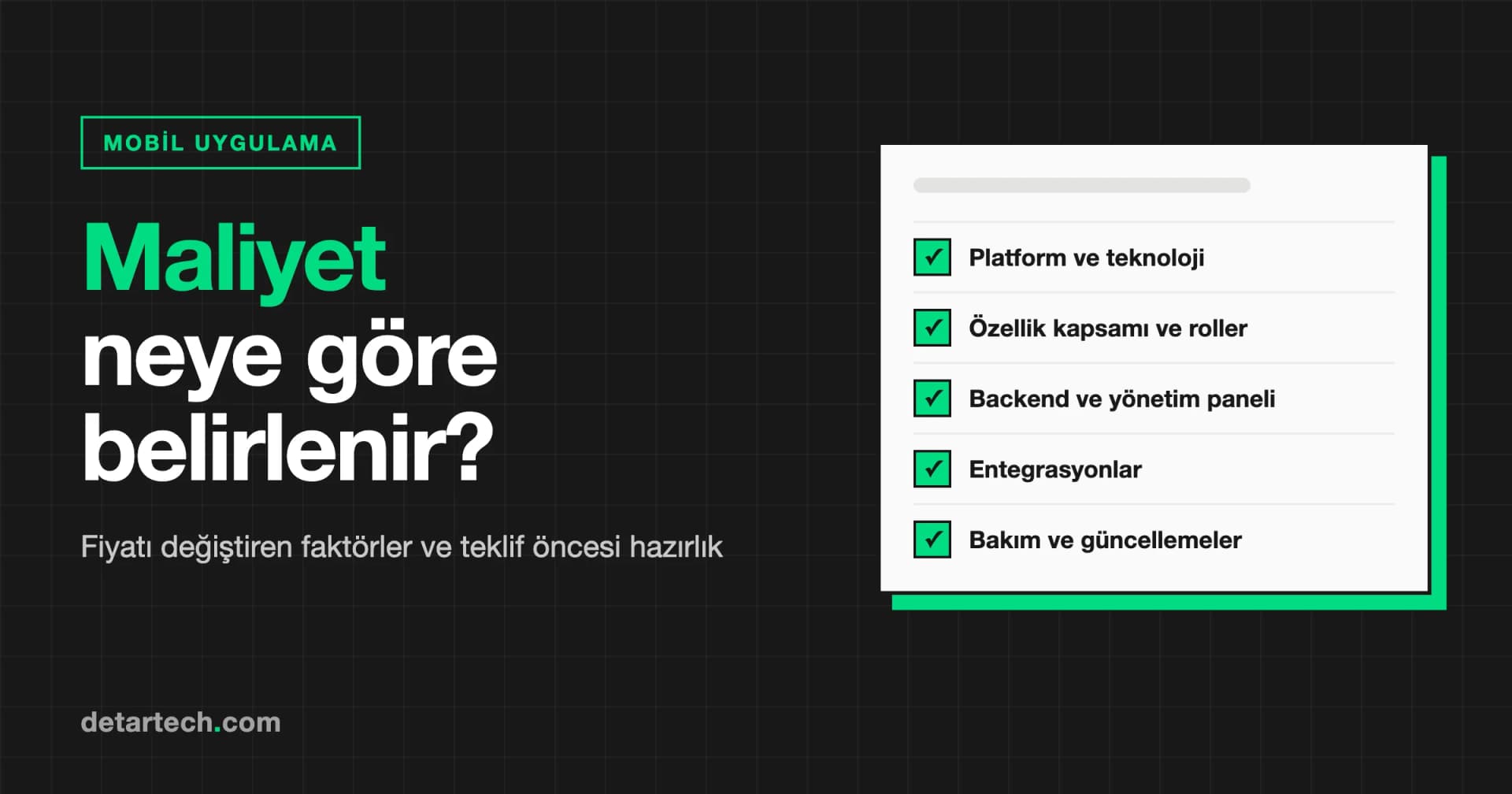
What Determines Mobile App Development Cost?
A mobile app price cannot be given without scope. The factors that drive cost, the hidden costs people forget and what to prepare before asking for a quote.
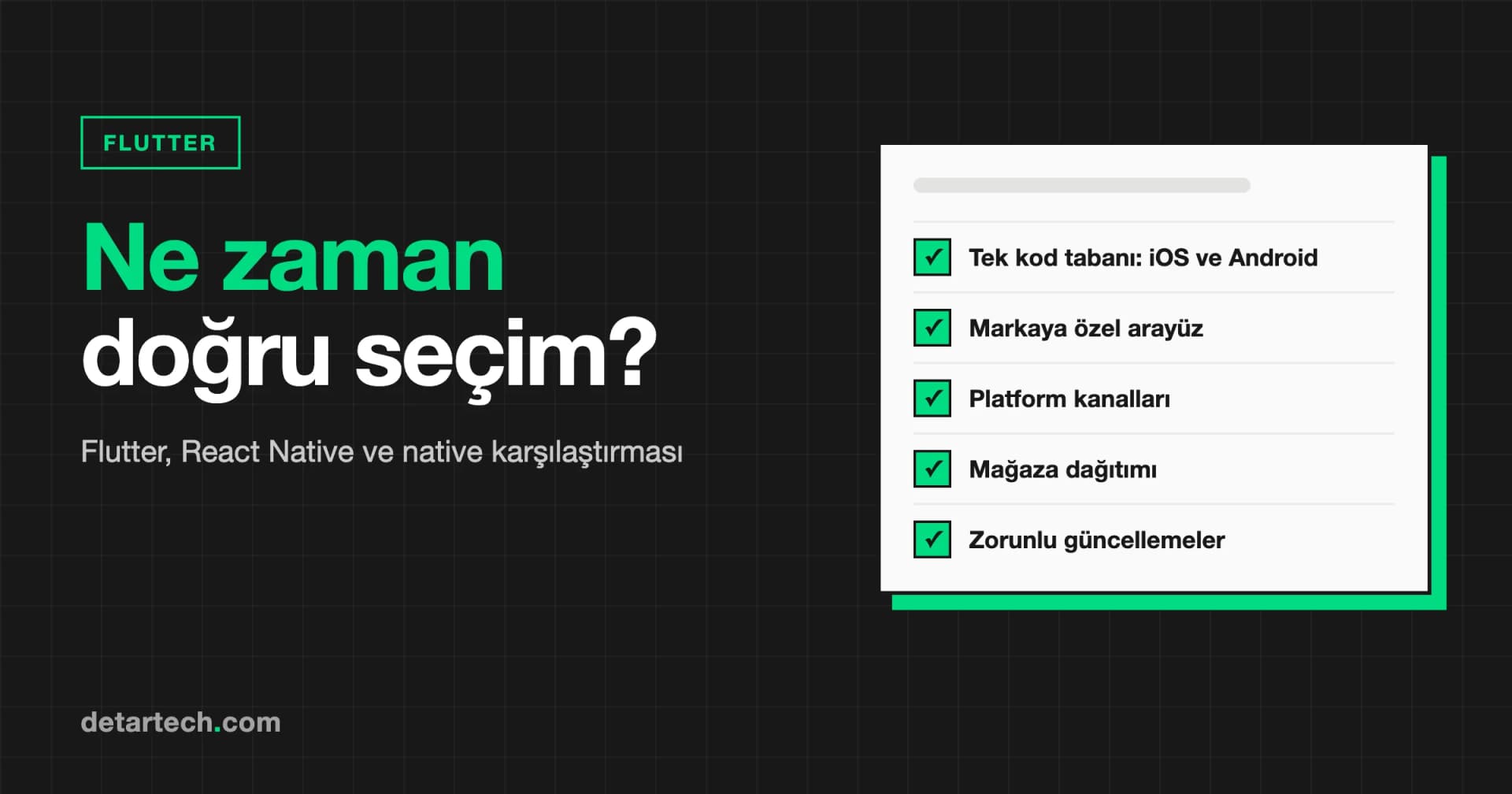
Flutter App Development: When Is It the Right Choice?
When is Flutter the right choice and when is it not? A neutral comparison with React Native and native, plus questions to ask an agency that proposes Flutter.
Let's Talk About Your Project
How can we apply this service to your project?
Fill out the quote form for a free 30-minute discovery call.