Web Development
The cost of a web project shows up over time, not at launch. We settle rendering strategy, type safety, multilingual architecture and content management up front.
The cost of a web project is not decided at launch. It becomes visible later: when a new language is added, when the content team wants to change a page without waiting for a developer, or when the URL structure moves. Three decisions set that cost: when each page is generated, whether type safety is enforced at the data boundary, and who is able to manage the content. None of the three can be bolted on later; skipped at the start, they get rewritten.
Our definition of web development
For us web development means building a database-backed, manageable application, not putting up a brochure page. Three different jobs share the name. The first is a ten-page corporate site whose content changes a few times a year: an off-the-shelf theme is usually enough and you do not need us; we say so in the first meeting. The second is a multilingual content platform of hundreds of pages that earns search traffic. The third is an application with accounts, payments and third-party integrations. Only the last two force real decisions about rendering, type safety and the content model. We wrote about how the web turned from a document format into an application platform in the story of web development.
The six decisions inside a web project
The six headings below cover the decisions that are most expensive to reverse. The first two set how fast the site is: when a page is generated and where performance is measured. The third is whether the code stays safe to change over time. The fourth and fifth are how many languages the site publishes in and who may touch the content. The sixth applies only when there is an existing site to move.
Rendering strategy: when each page is generated
There are three options. Static generation builds the page at compile time; when the set of addresses is known, it is the fastest and cheapest route. Server-side rendering builds the page per request, which per-user or constantly changing content needs. Incremental regeneration keeps the page static and refreshes it when the content changes. The detail that matters is in the third: refreshing should be tied to an event, not a timer. On the site you are reading, a save in the admin panel invalidates only the matching cache tag, so no rebuild is involved. The archive of bebekistiyorum.com, made up of 66 medical articles, hundreds of video pages and expert profiles, is published on a MongoDB-backed platform rendered on the server with the Next.js App Router and React Server Components.
Core Web Vitals and real user measurement
A lab score and field data are not the same thing: Lighthouse measures one device, one connection profile and an empty cache, while the data Google actually uses comes from the browsers of real visitors. So instead of a green score we watch three field metrics: how long the largest content element takes to paint, the delay between an interaction and the next paint, and how much the layout shifts during a visit. The set of things that breaks them is narrow: images served without dimensions, fonts that arrive late, an oversized JavaScript bundle, and code that measures an element after mount and immediately changes a style. That last one forces a synchronous layout pass, so on visitor-facing pages we read measurements from the ResizeObserver callback itself. Mobile performance was a known problem of the old ASP.NET version of bebekistiyorum.com, and the new platform carries performance work focused on Core Web Vitals.
Type safety and maintainability with TypeScript
The value of TypeScript shows up when you change code, not when you write it. Rename a field and the compiler points at every place that touches it; without types you do the same job with a text search and hope. That guarantee has three conditions. Strict mode: TypeScript's implicit any, which lets a value pass through unchecked whenever its type is never declared, has to be switched off, otherwise the type system is decoration. The data boundary: anything arriving from a database, an external service or a form has to be validated with a runtime schema rather than a type assertion, because types are erased at build time and no interface declaration stops a wrongly shaped response. Third, type checking belongs in the pipeline, not in human discipline. We went into the long-term effect of architectural decisions in our article on software architecture.
Multilingual architecture and RTL
Publishing in several languages is not a translation-file problem, it is a URL and layout problem. Each language needs its own address, the relationship between them declared to search engines with hreflang, and the path segments themselves translatable. On the site you are reading the address is localised too: the same page lives under hizmetlerimiz in Turkish, услуги in Russian and خدماتنا in Arabic. Right-to-left languages add a second layer. Arabic flips more than text direction: margins, icon orientation and form alignment all mirror, and building that with left and right instead of logical CSS properties means writing every component twice. bebekistiyorum.com publishes in Turkish, English, Russian and Arabic, with every component designed to work right to left for Arabic. We collected the mistakes we see most often in our notes on localisation.
Content management and editor independence
The real owner of a site is whoever can change its content. If every text edit needs a developer, the site quietly stops being updated. That is why we model content at the field level, not the page level: title, summary, body, media and metadata are defined separately, so an editor can publish without breaking the layout. HTML coming out of a rich text editor is sanitised on the server against an allowed tag list, because sanitising in the browser is not sanitising. On bebekistiyorum.com a custom admin panel was built with the Tiptap rich text editor and bulk content import. The contrast with the old version is the clearest result: in the old setup every content update required technical support; in the new one the content team publishes without developer support and without paying for a CMS licence.
Migration and preserving URL value
When an existing site is rebuilt, the most expensive mistake is quietly changing the URL structure. Years of accumulated search value sit on the address, not on the page; if the address disappears, the value goes with it. The order that works: pull every address of the old site from its sitemap, server logs and search console, map each one to a destination in the new information architecture, then ship that map as permanent redirects. Sending everything to the homepage is not a mapping and carries no value. On bebekistiyorum.com more than 1,200 addresses from the old ASP.NET site were mapped to the new architecture and preserved through a database-driven 301 redirect layer. We keep that map in the database, so gaps that surface after launch can be filled without waiting for a deployment. Tracking indexing and rankings afterwards belongs to our SEO service.
What we look at first in projects we inherit
When we take over a codebase somebody else wrote, the first week answers six questions rather than reading code. Does the project install on a clean machine and does the build pass; without setup documentation you inherited a puzzle, not a codebase. How many errors do type checking and linting report; that number is written down as a baseline before anything is fixed, so later changes cannot hide behind it. How many major versions behind are the dependencies, and are there known security advisories. Are real keys or passwords sitting in the repository; if so, the work starts with rotating them, not with code. How many queries does a list page fire, and are they indexed. Where does the traffic actually land, and what shape is the redirect layer in. The findings go into a one-page note: fix now, put in the release plan, leave alone on purpose.
How a performance budget is set
A performance budget is a set of ceilings written down before the code: JavaScript weight per page type, image weight, third-party script count, and the field metrics being targeted. Without a budget, page weight only moves one way: no single change slows a site down on its own, accumulation does. Two rules make a budget usable. Measurement has to live in the pipeline: when a ceiling is crossed, the person who made the change sees it the same day, not a user months later. And a budget is a negotiating table, not a ban: a change that breaks the ceiling is not rejected, what comes out in exchange is written down and the call stays with you. The usual source of overruns is predictable and rarely development: chat widgets, tag managers, heatmaps and ad scripts.
The question of who will run the site
We ask this before design starts, because the answer changes the architecture: who touches the site, how often, and with what permissions? Three typical answers. For a site whose content changes a few times a year, a separate admin panel is a cost with no return; text can live in the code. For a small team entering content a few times a week, a custom panel is right: the fields are defined around that team's actual work and the learning curve stays short. Where there are dozens of editors, approval steps and a translation workflow, buying an established headless CMS, meaning a content system with no front end of its own that serves content through an API, is the better call, and we say so. Whichever answer comes out, three things are part of delivery: role separation, preview before publishing, and a written note on how the panel is used. On bebekistiyorum.com the answer was a custom panel, and its test was simple: the content team publishes without developer support.
Five items in the delivery package
Five things stay with you when the project ends. First the repository: it sits in your own account with its full history, not as a zipped folder. Second the infrastructure: server, database and domain are set up on accounts opened in your name, so parting ways is not a separate migration project. Third the content: the database schema and the content in exportable form. Fourth the address record: redirect map and sitemap, with the old-to-new mapping if a migration was done. Fifth the handover note: how the project starts locally, how it is deployed, how the panel is used and why each decision was made.
One project, all of it together
Most of the decisions on this page can be seen in one project: bebekistiyorum.com, the site of the Eurofertil IVF Centre, moved from an old ASP.NET WebForms stack to a four-language Next.js platform. The first five items below are written on that project's own page; the sixth is the site you are reading.
- Rendering and data: a MongoDB-backed platform rendered on the server with the Next.js App Router and React Server Components.
- Migration: more than 1,200 addresses from the old site mapped to the new architecture and preserved with a database-driven 301 redirect layer.
- Multilingual publishing: Turkish, English, Russian and Arabic; every component designed right to left for Arabic, language versions declared with hreflang.
- Content management: a custom panel with the Tiptap editor and bulk content import; the content team runs the whole site without needing a CMS licence.
- Technical SEO: per-page dynamic metadata, an automatic sitemap, schema.org structured data and Core Web Vitals performance work.
- detartech.com: the same architecture: Next.js App Router, four languages, localised path segments and a right-to-left layout in Arabic.
Key Benefits
- Rendering chosen per page type, cache refresh tied to events
- Core Web Vitals tracked from field data, not from a lab score
- Strict TypeScript with runtime validation at the data boundary
- Localised URL structure and a right-to-left layout for Arabic
- An admin panel the content team can publish from unaided
- Migrations that map addresses one to one and hold them with 301s
Frequently asked questions
How long does a web project take and how is it priced?
Do the code, infrastructure and content stay with us? Are there licence fees?
If we migrate our existing site, will we lose our search rankings?
Can we update the content ourselves after launch?
Does every site need custom development?
Are Next.js and TypeScript overkill? Would an off-the-shelf platform be cheaper?
Where We Deliver This Service
- Web Development for Companies in Türkiye
- Web Development for Istanbul Companies
- Web Platform Development for Witten Companies
- Web Development for Solihull Companies
- Web Development for German Companies
- Multilingual Website Development in Bursa
- Websites and Platforms for Mersin Businesses
- Web Development for UK Companies
 Web Development for Companies in Türkiye
 Web Platform Development for Witten Companies
 Web Development for Solihull Companies
How We Deliver This Service
Technologies We Use
View AllNext.js
React-based full-stack framework. Build production-grade web apps with SSR, SSG, App Router and Edge Runtime.
React
Component-based UI library by Meta. Breaks complex interfaces into manageable pieces for speed and flexibility.
.NET
Microsoft's modern, cross-platform backend framework. High-performance APIs, microservices and enterprise systems.
Other Projects
View All
Paşa Yapı Tasarım - Facade & Decoration Corporate Website
Bilingual (TR/EN) corporate website for Paşa Yapı Tasarım, an Istanbul facade, interior, ceiling and flooring firm since 1992. 22 application pages, a 6-step quote wizard, e-catalog and AI-search-ready SEO.

bebekistiyorum.com - Multilingual IVF Clinic Website, SEO and GEO
Eurofertil IVF Centre's legacy ASP.NET site was rebuilt as a 4-language Next.js platform: 1,200+ URLs preserved with 301 mapping plus full SEO and GEO setup.

Biletico - Event Ticketing Platform for Children
Event ticketing platform for children. Taken from near-zero functionality to live with a canvas-based seating plan, secure payment integration and comprehensive UX overhaul.
Related Articles
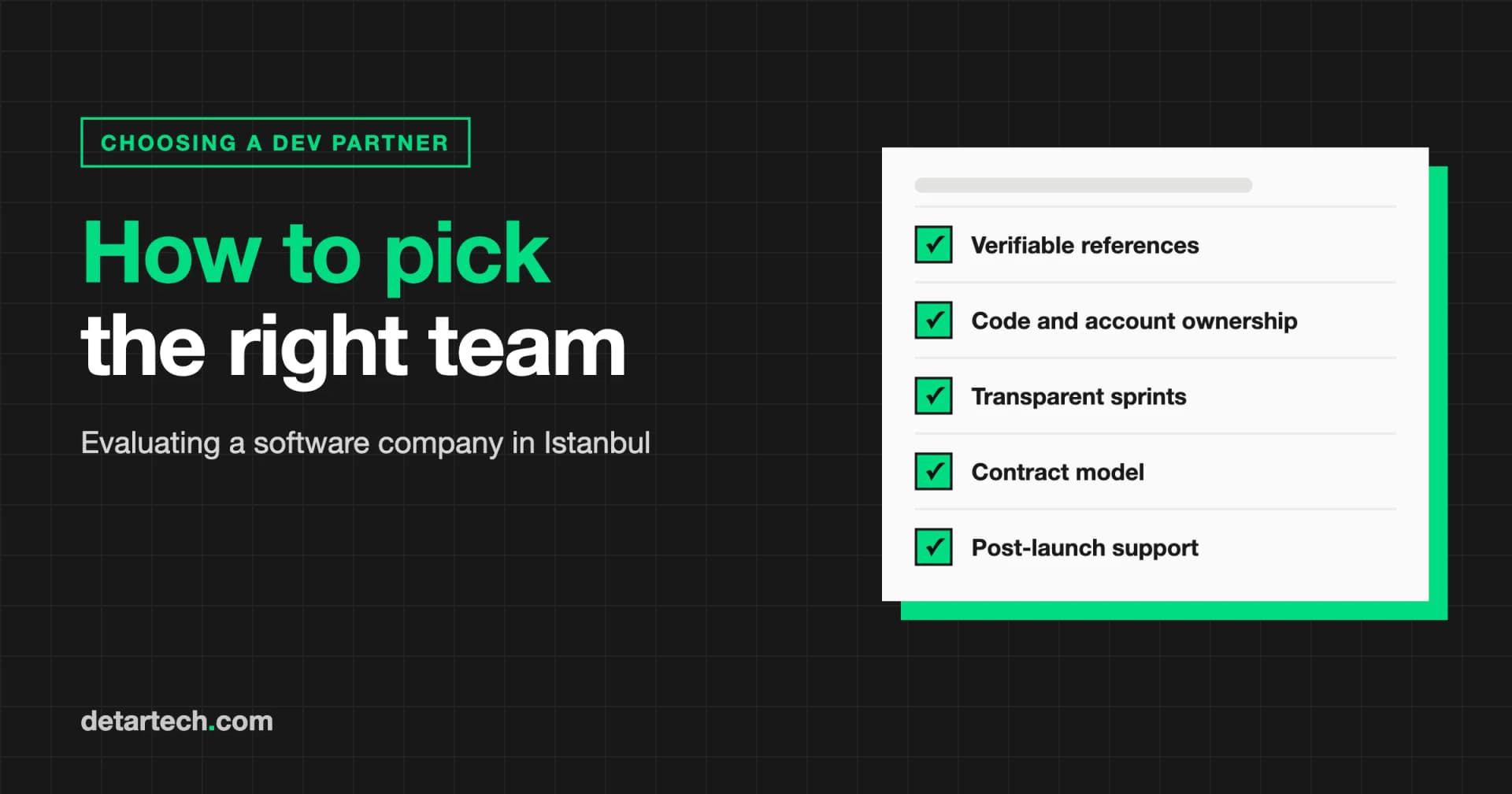
How to Choose a Software Development Company in Istanbul
Compare software development companies in Istanbul on verifiable references, repo access, code ownership, contract model and support, with a scoring table.
Next.js 16 Migration Guide: Step-by-Step Upgrade
Migrating to Next.js 16 is more than a version upgrade. Explore changes to Turbopack, async APIs, Proxy, caching, and image optimization.
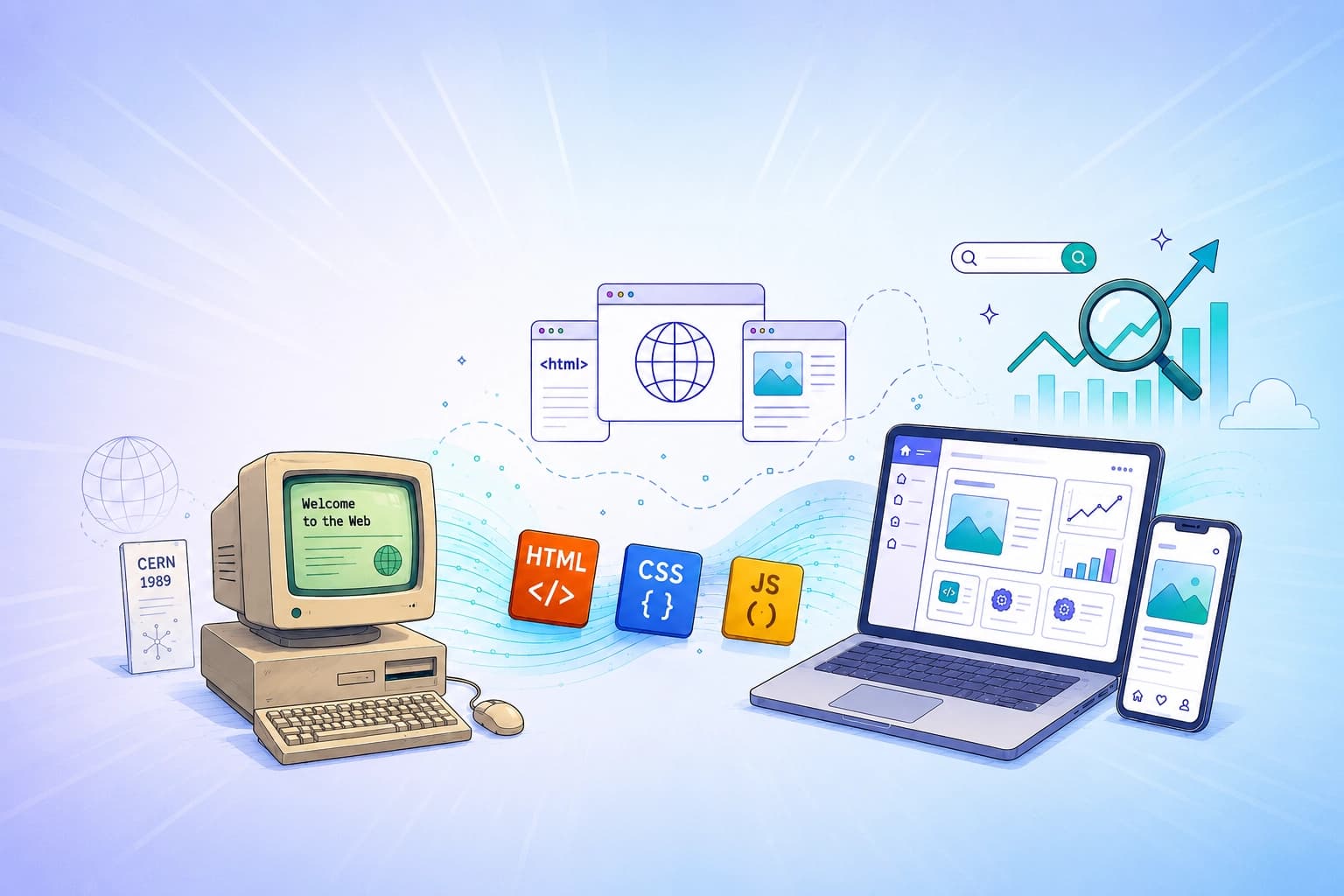
The Story of Web Development: From a Document to an Application Platform
How did the web evolve from a CERN document into a global application platform? In this article, I explore the evolution of HTML, CSS, and JavaScript, browser wars, and SEO from the perspective of a frontend developer.

Localization Tips in Software Development
A practical guide on time zones, multilingual data management, and the UTC standard. The key elements of a scalable and maintainable localization system.
Let's Talk About Your Project
How can we apply this service to your project?
Fill out the quote form for a free 30-minute discovery call.