RevOps - Ads and CRM Integration
We move Meta and LinkedIn leads into your CRM and feed the sales outcome back through the Conversions API. Self-hosted setup, monthly EMQ and conversion report.
Left to their defaults, lead campaigns optimise for everyone who fills in the form and never find out whether that person became a customer. The sales team's verdict that a lead was not worth calling stays inside the CRM, so the algorithm keeps optimising against its only signal: form submission behaviour. RevOps (Revenue Operations) is the discipline that joins marketing, sales and data infrastructure into a single revenue line. At Detartech we build it in three parts: leads moving from the ad platforms into the CRM without loss, sales outcomes flowing back, and the whole funnel reported in numbers you can check. We closed this loop on our own ad account first; that architecture is now the core of our RevOps service.
The definition of a two-way data pipeline
RevOps here means building and running the two-way data line between the ad platform and the CRM. The first direction runs from the ad to the CRM: the moment a user submits the form, the platform's webhook, an automatic notification triggered by that submission, fires; the automation layer pulls the lead detail from the API, and the contact and lead records appear in your CRM within seconds. The second runs from the CRM back to the ad: when a salesperson marks a lead qualified or disqualified, or when a deal is won or lost, that change goes back to the ad platform as an event. The core sits in one field: the lead ID must never be lost, because it is the primary matching key for the feedback. This is neither a CRM implementation project nor a media buying service, but a data layer built on the CRM and campaigns you already run. We published the step-by-step roadmap for it, with the event mapping table and the most common mistakes, in our Meta and CRM feedback loop guide.
The parts we build the revenue line from
The six headings below cover everything a RevOps setup involves: where the lead is captured, where it is carried into the CRM, where the sales outcome returns to the ad platform, the match quality that makes the feedback worth anything, the safety net against missed and duplicated records, and where the line runs and who holds the data.
Lead capture: Meta Lead Ads, LinkedIn and site forms
Leads enter the same pipeline from three sources rather than an inbox or a spreadsheet: Meta Lead Ads instant forms, LinkedIn Lead Gen Forms, and the contact, quote and appointment forms on your site. On Meta's side, the webhook carries the lead ID rather than the lead itself; the name, email, phone number and form answers are pulled separately from Meta's API. All three connect to one line for a reason: if organic and paid demand do not appear in the same table, you cannot compare which channel brings customers. The technical work on the organic side is a separate service, described on our SEO page.
Real-time flow into the CRM
The lead appears as a contact and a lead record in your CRM within seconds of submission; Pipedrive and HubSpot are typical examples, and field names differ while the logic stays the same. Four custom fields sit on the record: lead ID, ad ID, campaign ID and form ID. These are not report decoration but the operating condition of the feedback: a lead typed in by hand carries no lead ID and drops out of the loop. On the funnel side you define an entry point for raw leads and a set of ordered stages, and the qualified and disqualified distinction is set up to produce a trackable field change in the CRM, since that change fires the webhook.
Feedback through the Conversions API
When a salesperson marks a lead qualified or disqualified, when a deal is opened, or when a deal is won or lost, the CRM webhook fires and that signal goes to the ad platform through the Meta Conversions API and the LinkedIn Conversions API, both of which let you send events directly from a server rather than a browser, carrying identity fields hashed with SHA-256. Event names are kept short, space-free and ASCII: crm_lead, qualified, disqualified, converted. The won-sale event carries a value and a currency so the platform can report on revenue, and the event is flagged as coming from the CRM. One rule is worth knowing: Meta has no mechanism for deleting or reversing an event. If a wrong signal has gone out, the correction is to send the person's current state as a new event, because Meta treats the latest event as valid. The event mapping is therefore agreed in writing during setup, not tried out in production.
The same feedback loop extends to ChatGPT Ads. Its only ad format is the chat_card, a sponsored card shown beneath the answer, and there is no in-platform form like Meta's or LinkedIn's. Your site is therefore the lead capture point: the user arrives from the card, and the form, booking or purchase conversion is sent from the server to OpenAI's Conversions API with the same SHA-256 hashing and event naming discipline. A session or click ID replaces the lead ID as the matching key. How the platform reached Türkiye and how to advertise on it is covered in our ChatGPT Ads guide.
Attribution and Event Match Quality
Event Match Quality scores how likely an event you send is to match a real person on the ad platform, and it decides what the feedback is worth. Events sent with nothing but an IP address and a user agent are of little practical use; the score rises noticeably once a hashed email, phone number and lead ID are included. Field hygiene in the CRM is therefore attribution itself, not a technical detail: a record with a malformed phone number produces an event that never matches. The second decision is the signal pool: we send CRM events to the main pixel your web events already flow into rather than to a separate dataset, because splitting the signal across two pools slows the platform's learning.
Data quality, deduplication and backfill
Webhooks get missed when a server restarts, a retry window closes or the platform fails briefly, so two protective layers are built into the line. The first is deduplication: every event is given a deterministic event ID, so repeated sends are not counted twice and the report does not inflate. The second is backfill: a scheduled flow running every few hours scans the latest leads on the platform and pulls in the ones with no counterpart in the CRM. Two limits shape that safety net: Meta keeps lead data for 90 days and you cannot go back further, and the Conversions API rejects an event time older than 7 days, so delayed sends have their event time updated.
Self-hosted setup and data ownership
The automation layer runs on your own server. Subscription bridge tools such as Zapier, Make and LeadsBridge exist for this job; we use the MIT-licensed Activepieces Community Edition, because a self-hosted installation has no flow or task limit and no per-transaction tool licence. On the Meta side, access runs through a system user, a dedicated account created only for the integration, with a never-expiring token rather than a personal account, because personal tokens die quietly after roughly 60 days and are the most common cause of outages in integrations of this kind. If we also set up the server, backups and update flow, that part connects to the DevOps and CI/CD side.
The difference a closed loop makes
Once the sales outcome goes back to the ad platform, the algorithm learns the profile of the customer, not of the form filler. The first is reporting: you add qualified and sold columns to Ads Manager and see, ad by ad, which campaign brought customers. The second is audiences: custom and lookalike audiences are built from the qualified and converted events, so targeting is modelled on buyers rather than form fillers. The third is the optimisation goal: past the volume threshold, switching to Meta's Conversion Leads optimisation is a single step. Meta's guidance for that switch is roughly 250 leads a month and a conversion rate between 1 and 40 percent at the target stage. Below the threshold it still makes sense: the quality report arrives from day one, audiences accumulate, and the switch is ready when volume grows.
Where the lead data sits
Lead data is personal data, and its route is an architectural decision. With a subscription bridge tool, the lead's name, phone number and email, along with your ad account access tokens, pass through a third-party SaaS provider's servers. On our line they do not: the automation layer runs on your server, and the data moves between the ad platform, your server and your CRM. KVKK and GDPR compliance is part of the architecture for that reason, not a clause added afterwards. The privacy notice and consent side remain yours; what we build is the data's route, documented in a written field mapping table you keep.
What our reporting covers
The monthly report rests on three numbers, all read from places you can verify. The first is the Event Match Quality score. The second is event volume: how many times crm_lead, qualified, disqualified and converted were sent, and from which source. The third is the lead-to-sale conversion rate: how many leads landing in the CRM were marked qualified and how many became won deals. Where each number is read from in Events Manager or in your CRM is written in the report, so you can check it without us. We also say up front what this does not measure: it does not improve the sales conversation, it carries that conversation's outcome to the ad platform.
How a RevOps setup proceeds
The work starts with an audit: the pixel and dataset structure, server-side event quality, the CRM pipeline and field architecture, and the points where lead IDs are lost. Its output is a written list that can also be delivered on its own. The second stage is the foundation: a Business-type app and the Webhooks product on the Meta side, then a system user with a never-expiring token. In the same stage, matching fields for Meta and LinkedIn are created in the CRM, webhook subscriptions defined, and funnel stages mapped to events. The third is implementation: real-time lead flow, the qualified, disqualified and converted events fired from CRM webhooks, deduplication and scheduled backfill. The fourth is verification: test events confirm all four events on screen, the conversion funnel is ordered in Events Manager, and the system goes live. Monthly maintenance follows: token and webhook health is monitored, and event mappings are updated as your sales process changes. Google Enhanced Conversions and the TikTok Events API can be added to the same infrastructure later.
What's verifiable and what we report ourselves
Two of the items below are pages you can open and check directly; the other two are things we report about our own setup.
- Detartech's own ad account: leads land in the CRM automatically, and the sales team's qualified and disqualified decisions, along with closed sales, go back to Meta through the Conversions API.
- A published setup guide: the step-by-step account of this architecture, the table mapping each CRM trigger to a Meta event, and the five most common mistakes are open on our blog.
- bebekistiyorum.com: Google Ads conversion tracking was integrated into the appointment and contact forms, making the conversion of ad spend into real patient enquiries measurable.
- The self-hosted automation layer: the setup runs on the MIT-licensed Activepieces Community Edition, there is no per-transaction licence fee, and lead data does not pass through a third-party SaaS provider.
Key Benefits
- A lead line from Meta Lead Ads, LinkedIn and site forms into the CRM within seconds
- Qualified, disqualified and won-sale signals fed back through the Conversions API
- Identity fields hashed with SHA-256 and an Event Match Quality score tracked in production
- Deduplication and scheduled backfill as a safety net against missed webhooks
- Self-hosted installation on your own server with no per-transaction licence fee
- Monthly report on EMQ, event volume and the lead-to-sale conversion rate
Frequently asked questions
How long does the setup take and how is it priced?
In what situations would this service be unnecessary?
Do you guarantee that our ad costs will fall?
What gets delivered when the work ends?
Why self-host when Zapier or LeadsBridge already exist?
Our CRM is neither Pipedrive nor HubSpot. Can this still be built?
Where We Deliver This Service
- Ads and CRM Integration for Sales Teams in Türkiye
- Ads and CRM Feedback Loops in Istanbul
- RevOps for B2B Companies in the Ruhr Area
- RevOps for West Midlands Companies
- RevOps for Sales Teams in Germany
- Linking Ad Spend to Real Enquiries in Bursa
- Lead Tracking and CRM Integration in Mersin
- Ads and CRM Integration for UK Sales Teams
 Ads and CRM Integration for Sales Teams in Türkiye
 RevOps for B2B Companies in the Ruhr Area
 RevOps for West Midlands Companies
How We Deliver This Service
Other Technologies We Work With
View AllReact
Component-based UI library by Meta. Breaks complex interfaces into manageable pieces for speed and flexibility.
.NET
Microsoft's modern, cross-platform backend framework. High-performance APIs, microservices and enterprise systems.
Node.js
JavaScript runtime on the V8 engine. Fast I/O, event-driven architecture and a vast npm ecosystem for backend development.
Other Projects
View All
bebekistiyorum.com - Multilingual IVF Clinic Website, SEO and GEO
Eurofertil IVF Centre's legacy ASP.NET site was rebuilt as a 4-language Next.js platform: 1,200+ URLs preserved with 301 mapping plus full SEO and GEO setup.

Yükpro - Freight & Load Board Platform
A mobile load board that connects cargo owners with carriers and drivers, with route-based load alerts and one-tap call or WhatsApp contact.

Biletico - Event Ticketing Platform for Children
Event ticketing platform for children. Taken from near-zero functionality to live with a canvas-based seating plan, secure payment integration and comprehensive UX overhaul.
Related Articles
ChatGPT Ads Is Now Open in Türkiye: How OpenAI's Ad Platform Spread from the US to 56 Countries and How to Advertise
OpenAI's ad system opened in Türkiye on 16 September 2026. Rollout timeline, chat_card and Sponsored Agents formats, CPM/CPC pricing and an account checklist.
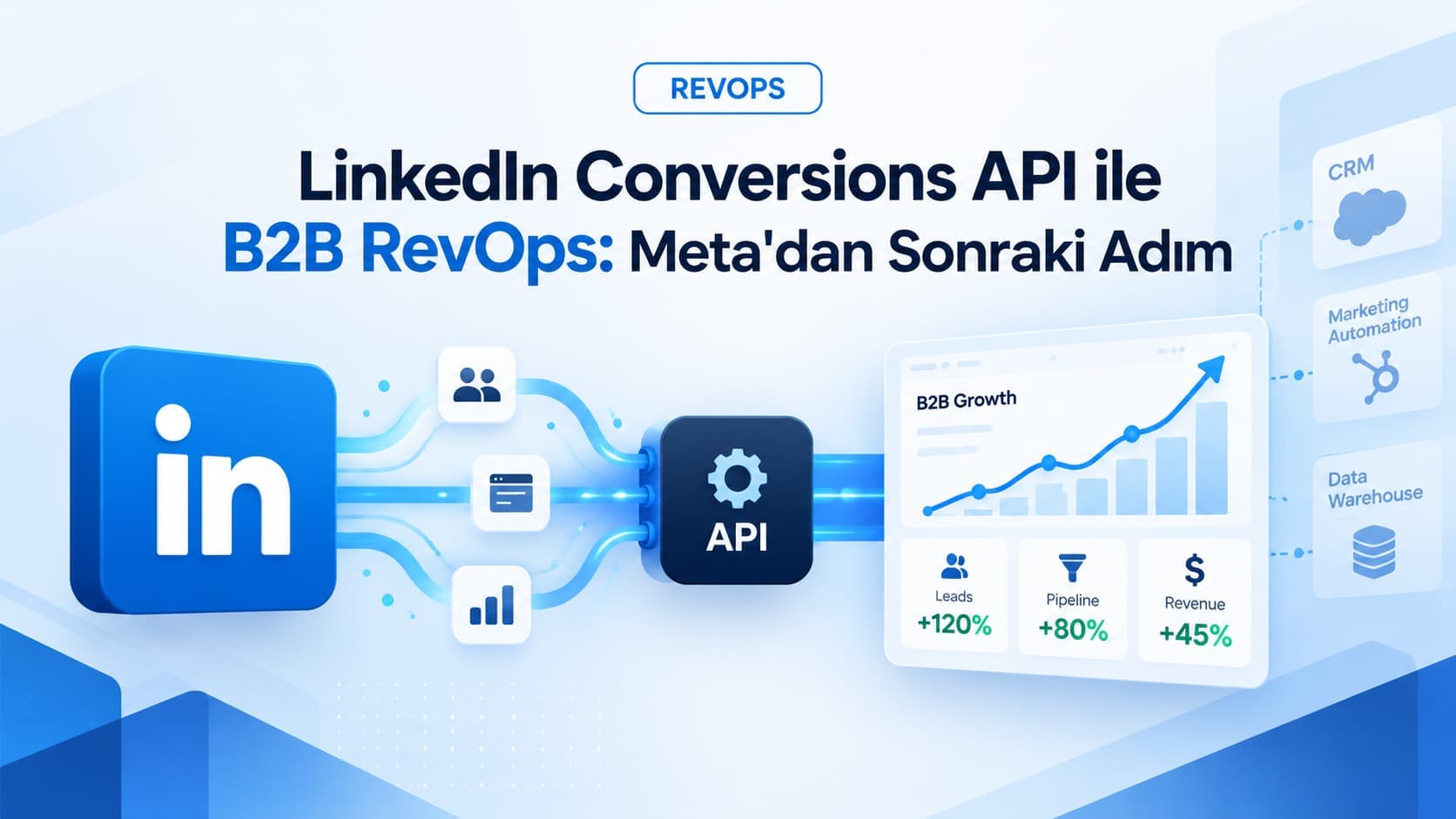
B2B RevOps With the LinkedIn Conversions API: The Next Step After Meta
B2B sales cycles last months and browser cookies do not. Use the LinkedIn Conversions API to feed real sales stages from your CRM back into the ad platform.
Meta Conversions API CRM Feedback Loop: Full Guide
Step-by-step guide to syncing Meta Lead Ads into your CRM and feeding qualified and won signals back via Conversions API. Free, self-hosted architecture.
Let's Talk About Your Project
How can we apply this service to your project?
Fill out the quote form for a free 30-minute discovery call.