A Meta CRM feedback loop is a closed loop that sends sales outcomes from your CRM (qualified, disqualified, closed-won) back to Meta as events through the Conversions API, so the ad algorithm optimizes for real customers instead of form fills. The setup runs in two directions: leads land in the CRM within seconds through Meta's leadgen webhook, and the sales team's decisions flow back to Meta through CRM webhooks together with SHA-256 hashed identifiers.
If you run lead ads on Meta, you know this picture: forms keep coming in, cost per lead looks acceptable, yet when the sales team calls, a large share of leads turn out to be a poor fit. The real problem is that this knowledge stays with the sales team. The ad platform sees that a form was filled and nothing after that, so the algorithm keeps optimizing for the only signal it has: form fills.
We closed this loop on our own ad account first: leads flow into the CRM automatically, and the sales team's qualified/not qualified decisions and closed deals travel back to Meta through the Conversions API. This guide is the generalized playbook for building the same system on your own infrastructure, with no subscription bridge tools like Zapier, Make, or LeadsBridge, running entirely on your own server.
What the System Does: Anatomy of the Closed Loop
The setup has two directions. First, from ads to CRM: the moment a user submits an instant form, Meta's leadgen webhook fires, the automation layer fetches the lead details from the Graph API, and a person plus lead record is created in your CRM within seconds. The critical detail is that Meta's lead ID (leadgen_id) is stored with that record; it is the primary match key for the feedback loop.
Second, from CRM to ads: when the sales team marks a lead as qualified or not qualified, when a deal is created, or when a deal is won or lost, a CRM webhook fires and that state change is sent to the Meta Conversions API as an event, together with SHA-256 hashed identity data.
In return you get three things: add qualified and converted columns to Ads Manager and see which ads actually bring customers at the ad level; build custom audiences and lookalikes from qualified and converted events; and once you pass the volume threshold, switching to Meta's Conversion Leads optimization becomes a single step.
Before You Start: Three Architecture Decisions
First, the automation layer. Subscription bridge tools exist for this job, but a self-hosted automation tool (we use the MIT-licensed Activepieces Community Edition; self-hosted, with no flow or task limits) does the same work with no per-task cost. More importantly, access tokens and lead data stay on your own server and never pass through a third-party SaaS, which matters for GDPR and KVKK.
Second, the signal pool. Send CRM events to the main pixel where your web events already flow, not to a separate dataset. Meta learns faster from a single pooled signal; splitting it slows learning down.
Third, event naming. Use short ASCII names with no spaces: crm_lead, qualified, disqualified, converted. Event names with spaces or localized characters cause problems on the API side.
Step 1: Prepare the CRM
In your CRM (our example is Pipedrive; the logic is identical everywhere) create four custom fields: Meta Lead ID, Ad ID, Campaign ID, Form ID. The single most important rule in this guide: the leadgen ID must never get lost. Any team entering leads by hand loses that ID; the record has to be written by the automation.
Define your funnel structure as well: an entry point where raw leads land, plus at least two or three sequential stages, since Meta's funnel setup expects ordered stages. You can express qualified/not qualified through labels or stages; what matters is that the decision produces a trackable field change in the CRM, because that change is what triggers the webhook.
Step 2: The Meta Side: App, System User, and a Token That Never Dies
Create a Business-type app on Meta for Developers and add the Webhooks product. As long as it works with your own Business Manager assets, no App Review is needed; Standard Access is enough.
Then the most critical step: create a system user in Business Settings, assign your page, ad account, and dataset to it, and generate a never-expiring token. The reason is simple: personal account tokens die silently after roughly 60 days, and this is the most common cause of outages in integrations like this. If the system ever stops, the token is suspect number one.
The permission set must include lead retrieval (leads_retrieval) plus page and ads management permissions. Also check Leads Access: if lead fetch requests come back empty, the first place to look is the Leads Access restriction in Business Settings; add the system user to the allowed list.
Step 3: Real-Time Lead Flow
When you set up the webhook subscription, Meta verifies you first: you must echo back the hub.challenge value from its GET request exactly as received. After verification, the webhook fires on every form submission, but it carries only the lead's ID, not the lead itself. You fetch the details (name, email, phone, form answers) separately from the Graph API.
On the CRM end of the flow, a person and a lead record are created, and the leadgen ID plus campaign metadata are written into the custom fields. Optionally, have the same flow open an automatic call task for the sales team; speed to first contact directly affects conversion. Finally, send the first funnel event at this moment: crm_lead. It tells Meta the lead has entered the funnel.
Step 4: The Feedback Events, Dedup and Backfill
Three CRM webhooks are enough: label/state change, deal creation, and deal status change. The mapping logic:
| CRM trigger | Meta event |
|---|---|
| Lead landed in CRM | crm_lead |
| Marked not qualified | disqualified |
| Marked qualified or deal created | qualified |
| Deal won | converted |
| Deal lost | disqualified |
| Lost deal reopened | qualified |
Three essentials in the payload. Set action_source to "system_generated" to declare the event as CRM-sourced. In user_data, send the lead_id together with SHA-256 hashed email and phone; these fields carry the match quality. On the converted event, include value and currency so Meta can report on revenue.
One rule worth knowing: there is no delete or undo mechanism for events on Meta's side. If you sent a wrong signal, the correction is sending the person's current state as a new event; Meta honors the latest one.
Safety nets: dedup and backfill. Build two protection layers. First, deduplication: give every event a deterministic event_id so repeated sends are not double counted. Second, backfill: webhooks can be missed (server restarts, retry windows expire). A scheduled flow running every few hours should scan recent leads from the Graph API and import any that have no CRM counterpart.
Know two limits when planning the backfill: Meta retains lead data for 90 days, so you cannot go further back. And the Conversions API rejects event_time values older than 7 days; delayed sends must refresh the event_time.
Step 5: Testing, Funnel Setup, and Monitoring
Before going live, use the test tool in Events Manager: with a test_event_code, create a fake lead and watch all four events (crm_lead, qualified, converted, disqualified) appear on screen, then remove the test code and publish. Once live events flow, order the funnel in Events Manager: form lead, crm_lead, qualified, converted, with disqualified marked off-funnel.
Two metrics matter in monitoring. First, Event Match Quality (EMQ): events sent with only IP and user agent are practically useless; adding email, phone, and lead_id lifts the score noticeably. Second, Ads Manager columns: add qualified and converted, and from that moment your quality report is at the ad level.
For switching to Conversion Leads optimization, Meta's guideline is roughly 250 leads per month with a 1 to 40 percent conversion rate at the target stage. Below the threshold, building the system is still worth it: the quality report arrives from day one, your audiences accumulate, funnel data builds up, and the switch is a single step once volume grows.
The Five Most Common Mistakes
- Losing the lead ID at manual entry. A lead typed into the CRM by hand has no leadgen ID; the feedback loop breaks before it starts.
- Going live on a personal token. The system silently stops after roughly 60 days. A system user with a never-expiring token is mandatory.
- Identity-free CAPI. Events sent without hashed email and phone do not match; with low EMQ the signal loses its value.
- Event names with spaces or localized characters. They cause problems on the API side; stick to short ASCII names.
- Splitting the signal. Sending CRM events to a separate dataset slows Meta's learning; keep a single pool on the main pixel.
Build it yourself, or hand it to us. The architecture in this guide is the core of the RevOps service we offer at Detartech. If you have a technical team, the steps above are enough to build it yourself. If you do not, or would rather not spend your time on it, we build the same setup for you, Meta and LinkedIn included, and run it with monthly maintenance. Details on our RevOps service page: detartech.com/en/services/revops
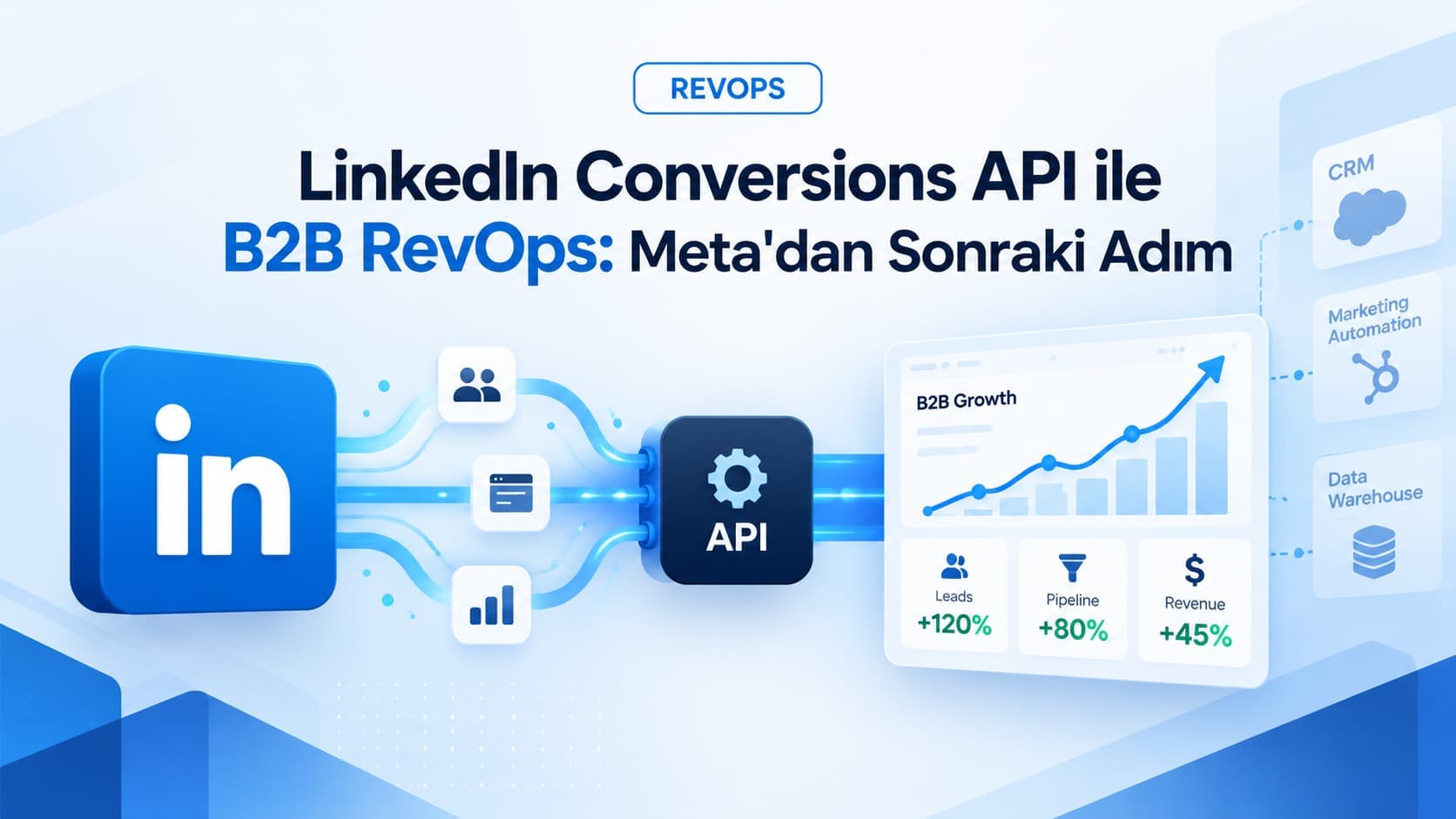
We cover the same closed-loop architecture for B2B in our LinkedIn Conversions API guide, and its extension to ChatGPT's ad channel in our ChatGPT Ads Türkiye guide.
Frequently Asked Questions
Do I need a subscription tool like Zapier or Make for this setup? No. A self-hosted automation tool (we use the MIT-licensed Activepieces Community Edition) does the same work with no per-task cost. Access tokens and lead data stay on your own server and never pass through a third-party SaaS, which matters for GDPR and KVKK.
Why does the integration stop on its own after a few weeks? The most common cause is the token: personal account tokens die silently after roughly 60 days. Create a system user in Business Settings, assign your page, ad account and dataset to it, and generate a never-expiring token.
How many leads do you need to switch to Conversion Leads optimization? Meta's guideline is roughly 250 leads per month with a 1 to 40 percent conversion rate at the target stage. Below that threshold the system is still worth building: the quality report arrives from day one, audiences accumulate, and the switch is a single step once volume grows.
Can a wrong event sent to Meta be undone? No, there is no delete or undo mechanism for events on Meta's side. The correction is to send the person's current state as a new event; Meta honors the latest one.
Related Services