Mobile app development cost cannot be stated responsibly as a single number until the scope is defined: the word "app" can describe a five-screen brochure app or a platform that takes payments, works offline and ships with an admin panel. What actually determines the cost is less the number of screens and more the platform choice, feature scope, backend and integrations, the store process and post-launch maintenance. The only reliable way to get an estimate is to turn those items into a written scope and ask for a quote against it.
This article explains why "how much does it cost to build an app" is answered with scope rather than a figure, which decisions make a mobile budget grow, what to prepare before requesting a quote, and which hidden costs people most often forget.
Why can't a mobile app's cost be given as one number?
The ready-made price ranges you find online usually assume an undefined "average app". Two apps can have the same number of screens and completely different workloads: one only displays content, the other manages permissions by user role, takes payments, tracks location and saves data while offline. A number given without a scope either hides a generous safety margin or turns into a "that was out of scope" conversation halfway through the project.
Mobile also carries a cost layer that web projects do not: distribution. The version you publish stays on the user's phone for months, it cannot be rolled back, and every update goes through store review. That is why much of the real cost of a mobile project sits not in the screens but in less visible items, such as a backend that stays compatible with old versions, a forced update mechanism and post-launch maintenance.
What factors determine mobile app development cost?
The table below summarises the decisions that move a quote the most, why each one changes the cost, and what you can do to keep it under control.
| Factor | Why it changes cost | How to keep it under control |
|---|---|---|
| Platform (iOS, Android, both) | Each platform means separate testing, a separate store process and its own range of devices. | Confirm where your audience actually is; if you need both, choose a single-codebase approach. |
| Native vs cross-platform (Flutter, React Native) | Native development needs two codebases and usually two sets of expertise. | If deep device access is not required, ship both platforms from one codebase. |
| Feature scope, screens and user roles | Every new role (customer, courier, manager) brings its own flows, permissions and test cases. | Separate the must-have flows for the first release and move the rest to the roadmap. |
| Backend and admin panel | The server, API and admin panel that manage the data often take as much work as the app itself. | List what the operations team will really use daily; consider ready-made infrastructure where it fits. |
| Integrations (payments, maps, authentication, third-party APIs) | Each integration depends on an external system's rules, test environment and failure modes. | Prioritise integrations and prefer services with clear documentation and sandbox access. |
| Design depth | Custom animations, bespoke components and brand-specific interactions add design and build time. | Start from platform-standard components and reserve custom design for screens where it creates value. |
| Offline behaviour | Requires a local database, a sync layer and conflict rules; it changes the data model from day one. | Decide in writing which screens work without a connection and which side wins a conflict. |
| Store submission and review | Rejection causes (privacy declaration, account deletion path, test account) each cost a full review round. | Clear the known rejection causes with a pre-submission checklist. |
| Security and data protection (GDPR, KVKK) | Apps handling personal data need consent flows, data minimisation, encryption and access logging. | List which personal data you collect and why; do not collect what you do not need. |
| Post-launch maintenance and OS updates | Even untouched code is affected by yearly OS releases, store rules and expiring certificates. | Budget maintenance as its own recurring line, not as an afterthought. |
| Forced updates and version compatibility | Staying compatible with old versions in the field means extra testing on every backend change. | Build the minimum supported version check into the first release and write down a version support policy. |
| Team and contract model | Fixed scope includes a risk margin; in time and material (T&M) the cost follows the work actually done. | Use fixed scope when requirements are stable, T&M with short sprints when they will evolve. |
iOS, Android or both?
The platform decision hits the budget directly, because each platform brings its own test devices, store process and behavioural differences. If most of your users are on one platform, starting there can make sense. If you need both, a single-codebase approach instead of two native apps noticeably reduces total cost and, even more, the maintenance load.
Native, Flutter or React Native?
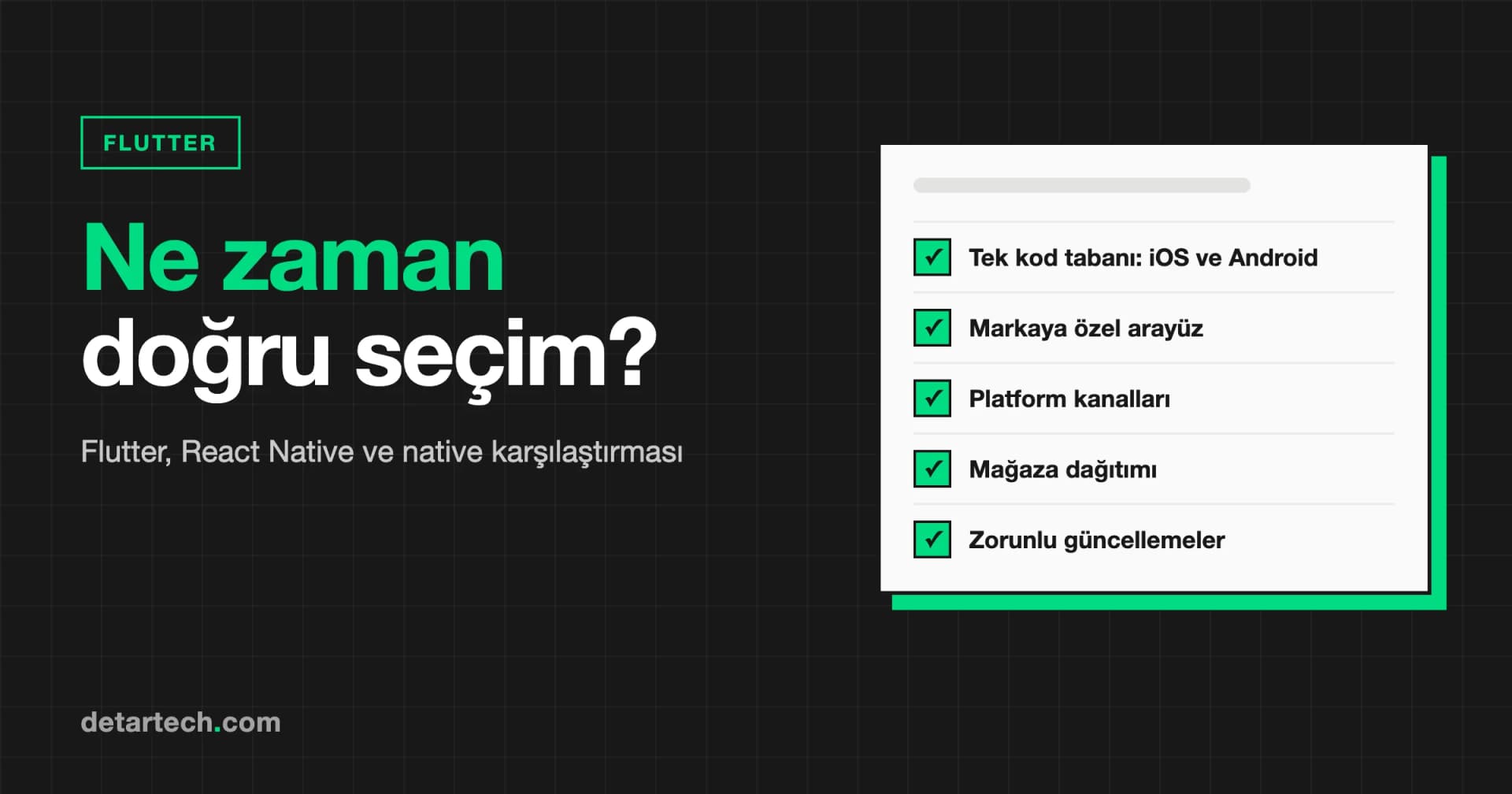
Flutter and React Native produce iOS and Android from one codebase; Swift and Kotlin build each platform separately. Three questions decide it: how deeply the app uses device capabilities (camera, Bluetooth, background location), how much platform-specific feel the interface needs, and who maintains the app after handover. Camera, QR scanning, notifications and form-based flows run comfortably on cross-platform frameworks. We cover this decision in detail in our article on when Flutter is the right choice for app development.
Why can the backend and admin panel be a large share of the budget?
The screens users see are the tip of the iceberg. A server that manages orders, users, content and notifications, the API that connects to it and the panel your operations team uses are a separate work package in most projects. On mobile the API is a contract: on the other side sit old clients you cannot update, so instead of removing or renaming fields you add new ones and keep populating the old ones for a while. If this discipline is not set up from the start, it gets set up later at a higher price.
Can offline support be added later?
Not cheaply. Offline support is a decision that reshapes the data model: it needs a local database, a sync layer and a written rule for which side wins when two devices change the same record. For field apps used in warehouses, basements or vehicles it is essential; for an app used inside an office it can be needless complexity. The decision should follow the need, not a default.
What hidden costs do people forget when budgeting a mobile app?
Quotes usually focus on development. These are the items an app needs to stay alive that often never make it into the budget:
- Store accounts: the Apple Developer Program has an annual membership fee and a Google Play developer account has a one-time registration fee. Open them in your company's name, because the listing, reviews and download history are tied to the account.
- Hosting and infrastructure: backend, database, file storage and backups are a recurring cost that grows with your user base.
- Notification, email and SMS services: verification codes, transactional messages and marketing messages usually run through usage-based third-party services.
- Maps, payments and other third-party APIs: services that start charging above a usage threshold or take a per-transaction fee change the budget over time.
- Analytics and crash reporting: you need to see field errors remotely, because users do not report bugs, they delete the app.
- Maintenance and OS updates: yearly major iOS and Android releases, store target SDK and privacy rules, and library updates create regular work.
- Signing certificates and keys: an expired certificate does not stop the app, but you cannot publish a new version; a lost signing key makes updating the same listing impossible.
- Store assets and ASO: screenshots, descriptions and keywords are part of the delivery, and the work grows with every language you support.
How can you reduce mobile app development cost?
The most effective lever is not negotiation, it is scope. Building a full-featured app for an idea whose demand is not yet validated means taking the most expensive risk first. Defining the question that needs to be answered and shipping the smallest product that answers it both shrinks the initial budget and lets data guide the next investment. We describe this approach on our MVP development service page and in more depth in our MVP development guide.
Sometimes the cheapest mobile app is the one you do not build. If the need is showing content, collecting a form or presenting a report, a mobile-friendly web application ships faster and never waits for store review. If notifications are the only reason for an app, email, SMS and web push deserve a look first.
The contract model also shapes how cost builds up. For stable, well-defined scope, a fixed-scope (turnkey) contract gives budget predictability, but the quote includes a margin for uncertainty. When the scope will become clear through learning, time and material (T&M) with short sprints and regular prioritisation means you pay for the work actually done.
What should you prepare before asking for a quote?
This checklist makes the quotes you receive more accurate and easier to compare with each other:
- Problem and goal: what problem does the app solve, for whom, and how will you measure success?
- User roles: who will use the app (customers, staff, managers) and what can each role do?
- Core flows: write down, step by step, the three to five flows the first release must have.
- Platforms: iOS, Android or both; any tablet or web requirement.
- Integrations: payments, maps, authentication, ERP/CRM or other existing systems.
- Admin panel: what will your operations team manage in it every day?
- Offline scenarios: will the app be used without a reliable connection?
- Personal data: which personal data do you collect and where will it be stored?
- Design status: is there an existing design, brand identity or reference apps you like?
- Existing assets: is there a backend, API, website or an older live app already?
- Time constraints: is there a fixed date such as a launch, campaign or funding round?
- Post-launch plan: who will maintain the app, your internal team or an external one?
You do not have to fill in every item. But the more you clarify, the narrower and more reliable the estimate becomes; every blank item comes back in the quote as an assumption or a risk margin.
How do we estimate mobile projects at Detartech?
At Detartech we open every mobile project with a distribution question, not a screen question: how many versions will be running in the field six months from now, and how will the server answer all of them? While writing the scope we settle the platform and technology choice, offline behaviour, the store submission checklist and the minimum version policy together. We work in two-week sprints with full transparency, peer-reviewed code and automated CI/CD, and 30 days of post-launch support are part of the delivery. Store accounts, signing keys and source code stay in your name. The details are on our mobile application development service page.
If you would like to clarify the scope of your app together, fill in our quick quote form. The first consultation is free and we respond within 24 hours.
Frequently Asked Questions
How much does mobile app development cost?
A responsible number cannot be given before the scope is defined. The price is driven by platform choice, the number of user roles and flows, the backend and admin panel, integrations, offline behaviour, security requirements and post-launch maintenance. Writing these into a scope and requesting quotes against it is the only way to get reliable, comparable estimates.
Does building with Flutter reduce the cost?
For most business apps that target both platforms, yes, because one codebase is built and maintained instead of two. If the app needs continuous background location, heavy graphics or deep platform-specific system integration, native development may be the better fit. The decision should follow the technical needs and who will maintain the app after handover.
Is post-launch maintenance really necessary?
Yes. Even if nobody touches the code, operating systems ship a major release every year, stores update target SDK and privacy rules, and signing certificates expire. An unmaintained app degrades over time and at some point you lose the ability to publish new versions at all.
Is a fixed price or a time and material (T&M) contract better?
For clearly defined, stable scope, a fixed-scope contract gives budget predictability. When requirements will evolve through user feedback, T&M with short sprints and regular prioritisation is more flexible and usually more efficient.
Should I build an MVP first to reduce cost?
For an idea whose demand is not yet validated, usually yes. An MVP is not a smaller product, it is the answer to a question: designed well, it keeps the first investment small and lets real user data guide the next phase. Being listed in a store is not proof of demand on its own.
What information should I share when asking for a quote?
The problem to solve, user roles, the main flows of the first release, platform preference, integrations, admin panel needs, offline scenarios and the personal data involved are the most important. The more of these are clear, the narrower and more reliable the estimate.