MCP (Model Context Protocol) is an open protocol that lets AI models connect to a company's tools, data sources and APIs through one standard interface. What it changes for enterprise integration is that it reduces the need to build a separate connector for every model and system, and moves the real work to the authorization and governance layer.
The bill for enterprise integration was never a single connection. It was a multiplication.
Connect five AI models to eight enterprise systems and you are not looking at one integration. You are looking at forty. Each is written separately, tested separately, maintained separately, and when one system changes its API, five of them break at once. This arithmetic has been the same in enterprise software for years, and it is exactly what MCP claims to fix.
But in 2026 the thing that actually changed on the enterprise side was not the protocol itself. Below we cover the protocol first, then that other thing.
Quick Answer: Anthropic published MCP in November 2024 and donated it in December 2025 to the Agentic AI Foundation under the Linux Foundation; it is now supported by OpenAI, Google, Microsoft, IBM and Amazon, so it is no longer one company's protocol. What changed for enterprises in 2026 was not the protocol core but the authorization layer on top of it: your own identity provider deciding which client may reach which server on whose behalf. "Does it work" and "can I run it with audit logs, identity integration and a CISO who will sign off" are different questions. The second one decides enterprise deployment.
What Is MCP?
MCP (Model Context Protocol): an open protocol that lets AI models connect to external tools, data and systems through a single standard interface.
The idea is simple. You put a shared language between the model and the system. On the system side you write an MCP server that says "here are the tools I offer and the parameters they take." The MCP client on the model side reads that list and calls into it when needed.
The gain is that the integration arithmetic changes. Instead of forty bespoke integrations for five models and eight systems, you write five clients and eight servers. Multiplication becomes addition. When a new model arrives you do not reconnect eight systems; if the model speaks MCP, it is already connected.
An MCP tool is, at its core, a name, a description and a parameter schema:
{
  "name": "list_services",
  "description": "Lists the services the company offers.",
  "inputSchema": {
    "type": "object",
    "properties": {
      "lang": {
        "type": "string",
        "enum": ["tr", "en", "ru", "ar"],
        "description": "Response language. Default: tr"
      }
    }
  }
}
The field that decides whether the model calls this tool is description. It is also the detail most often skipped in enterprise projects and the one that costs the most: a badly written tool description leads to the tool never being called, or being called in the wrong place.
Why Now?
MCP shipped in November 2024, so the protocol is not new. Three things make 2026 different on the enterprise side.
It is no longer one company's protocol. Anthropic donated MCP in December 2025 to the Agentic AI Foundation under the Linux Foundation. On the procurement side this is a strategic rather than technical difference: the first question asked when adopting a standard is "what happens if this company walks away," and independent foundation governance is the answer to it.
The adoption threshold has been crossed. Roughly 28% of Fortune 500 companies moved MCP into production in under eighteen months. As of July 2026, 78% of enterprise AI teams have MCP-backed agents in production. On the ecosystem side there are over 9,400 public servers and around 97 million SDK downloads a month. OpenAI, Google, Microsoft, IBM and Amazon all support the protocol.
The specification matured toward enterprise needs. The 28 July 2026 revision brought a stateless protocol core, multi round-trip requests, header-based routing, cacheable list results and authorization hardening. None of these are glamorous features. They are the boring things that move a protocol from demo to production.
MCP Versus Classic API Integration
MCP is not an API. It is a layer placed in front of your APIs. The difference:
| Dimension | Classic API integration | MCP |
|---|---|---|
| Consumer | Code a developer wrote | The model itself |
| Integration cost | Models x systems (multiplication) | Models + systems (addition) |
| Discovery | Read docs, write code | At runtime via tools/list |
| Schema change | Update client code, redeploy | Server announces the new schema |
| Call decision | Developer writes it in advance | Model decides at runtime |
| Failure surface | Predictable, deterministic | Model can pick the wrong tool |
| Security boundary | Service account, fixed scope | Needs on-behalf-of authorization |
The last two rows are the most misunderstood part on the enterprise side. MCP integration is not deterministic: the model decides when to call a tool. That flexibility is the source of both the power and the risk, and it explains why the classic integration security model is not enough.
What Actually Changed for Enterprises: Authorization
You can stand up MCP over a weekend. Running it in an enterprise environment is a different job, and the protocol is not the hard part.
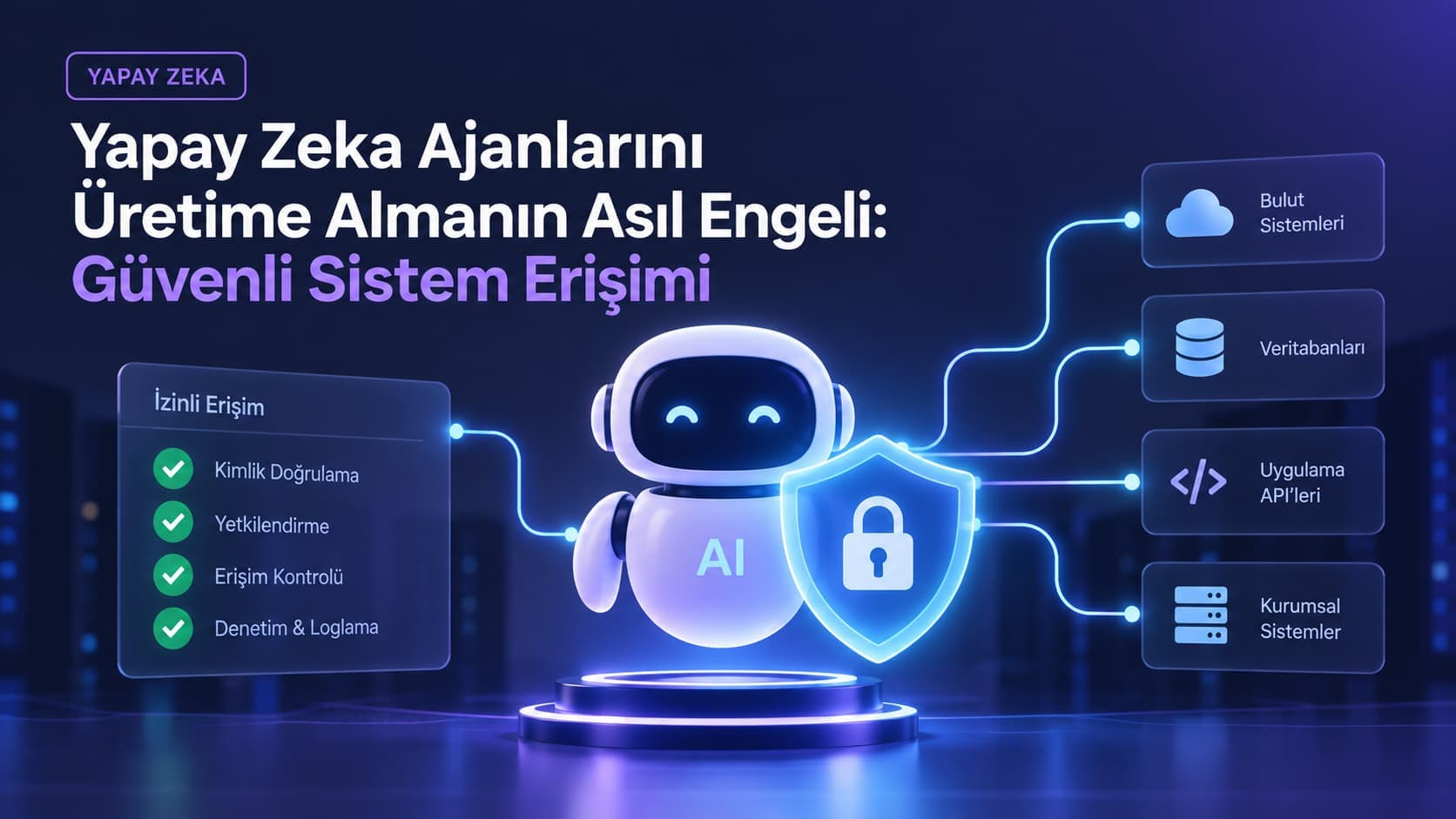
In classic integration, authority is static: a service connects with an account, that account's permissions are known, and the audit log shows the calling service. In the agent world that model breaks. An agent acts on behalf of a user. The answer to "who made this request" is no longer a service account but a real employee, and that employee's permissions have to apply to the agent too.
The thing that closed this gap in 2026 was EMA (Enterprise-Managed Authorization). EMA became an official extension to the specification, letting your own identity provider decide which MCP client may reach which MCP server on behalf of which user. Its technical basis is ID-JAG (Identity Assertion JWT Authorization Grant) from Cross-App Access. Okta was the first identity provider; Claude, Claude Code and Visual Studio Code are among the first clients.
In practice this means access to your MCP server goes through the same door as the rest of the organization. When an employee leaves, they are disabled in the identity provider and MCP access closes with it. You are not maintaining a separate permission list.
The questions that decide enterprise deployment are administrative more than technical:
- Who can reach this server, and how is that access revoked?
- Which tool was called, by whom, and when? Is there an audit trail?
- Who reviews access, and how often?
- Can permissions be granted per tool, or does one key open everything?
If these do not have answers, you have a working prototype, not a deployable system.
The Real Costs of MCP
Most writing about MCP reads like marketing copy. Here are the costs you need to know when making an enterprise decision.
Context bloat. The tool schemas of every connected MCP server are loaded into the model's context. If you are connected to twenty servers, hundreds of tool definitions occupy the context window even when the user asks something trivial. This raises cost and lowers model performance. Tool search and deferred loading (fetching only the relevant schemas) exist as mitigations, but the default behavior is bloat. We cover designing what the model gets to see, that is, context engineering, separately in our We Build Systems That Prompt Themselves article.
Attack surface. The things that make MCP easy also standardized the attack surface. Tool poisoning and rug pull attacks are documented: instructions hidden in tool descriptions can steer model behavior, and a trusted server can change its behavior later. Connecting to a third-party MCP server gives its owner a say in how your model behaves.
Latency. Every tool call adds a round trip. The model calls, the server answers, the model interprets, and it may call again. In multi-tool workflows those trips accumulate. In an interface where a user is waiting, the difference is noticeable.
What We Learned Building Our Own MCP Server
This section is not theory. We run an MCP server on detartech.com, and what follows are the decisions we made writing it.
The server is read-only, stateless, and runs over streamable HTTP. It currently exposes ten tools. You can try it yourself:
curl -s -X POST https://detartech.com/api/mcp \
  -H "Content-Type: application/json" \
  -H "MCP-Protocol-Version: 2025-06-18" \
  -d '{"jsonrpc":"2.0","id":1,"method":"tools/list","params":{}}'
The list that comes back includes tools like get_company_info, list_services, search_blog and list_case_studies. All of them take a lang parameter and answer in four languages.
The instructions field in the server's initialize response matters too. You can state your constraint inside the protocol itself; here we say plainly that the server is read-only and where the agent should send the user instead:
{
  "protocolVersion": "2025-06-18",
  "capabilities": { "tools": { "listChanged": false } },
  "serverInfo": { "name": "detartech", "title": "Detartech", "version": "1.0.0" },
  "instructions": "... This server is read-only: it cannot submit contact or quote requests. To start an inquiry, direct the user to the contact or quote page returned by get_company_info."
}
Start read-only
There is deliberately no submit_quote or submit_contact tool on the server. We made that decision for three reasons, and we recommend the same in enterprise projects.
First, a write endpoint is a spam endpoint. It means handing the internet a documented, publicly announced write endpoint with no authentication. Second, lead quality drops. A quote request an agent filled in on the user's behalf contains guessed project details; a lead you chase and discover is junk is worse than a lead that never arrived. Third, there is no consumer for it today. No mainstream AI assistant discovers your server on its own and submits a form. The upside is near zero; the attack surface you open is immediate and real.
The rule that follows: giving an agent read capability is cheap and low risk. Giving it write capability is a real product that requires authentication, rate limiting, abuse monitoring and lead triage behind it. Do not attempt both in the same sprint.
Metadata is a promise, not a badge
The most common mistake in agent readiness is publishing metadata with nothing behind it. Publish a server card for a server that does not exist and the agent will genuinely try to connect and fail. At that point you do not look agent-ready, you look broken. A discovery record pointing at nothing is a road sign that takes the agent nowhere.
Let us apply the same honesty to our own setup: this server has no measurable search visibility return today. Its value is as a showcase and as dogfooding our own advice. We built it knowing that.
The leak we found while writing it
The most valuable output was not the tools. While writing the server we noticed that some of the content-fetching helpers were also returning deactivated records. Services and posts that had been taken down were still appearing in the sitemap, the RSS feed and the notifications pushed to search engines.
No SEO audit tool had caught this, and without the exercise of writing an MCP server it probably would have gone unnoticed. Opening data to agents forces you to review your data access layer. In enterprise projects that alone can be sufficient justification.
MCP and WebMCP Are Not the Same Thing
The names look alike; the layers are different. MCP runs server-side and connects the model to systems. WebMCP runs in the browser and lets a web page expose its own functions to a visiting agent.
They are not competitors, they answer different questions. MCP answers "what data does this system offer," WebMCP answers "what can this page do." In our own setup the WebMCP side does not redeclare tools; it reads our MCP server's tools/list output and proxies to it. That way the two surfaces cannot drift apart, because there is one source.
We covered the WebMCP side in detail before: WebMCP: When AI Agents Use Your Site by Talking, Not Clicking.
Glossary
- MCP (Model Context Protocol): an open protocol letting AI models connect to tools and data through one standard interface.
- MCP server: the side that exposes tools and data in line with the protocol.
- MCP client: the side that connects to the server and presents its tools to the model (Claude, VS Code and similar).
- Tool: a single callable function with a name, a description and a parameter schema.
- EMA (Enterprise-Managed Authorization): the official extension that lets an enterprise identity provider govern MCP access.
- ID-JAG: the JWT-based authorization grant EMA builds on, turning an identity assertion into authority.
- Stateless transport: the server holding no session between requests, which makes scaling simpler.
- Tool poisoning: steering model behavior through instructions hidden in tool descriptions.
- Context bloat: the tool schemas of every connected server filling the context window.
- WebMCP: the browser-side counterpart of MCP, exposing a page's functions to an agent.
Frequently Asked Questions
Is MCP replacing APIs? No. MCP is a layer in front of your APIs. Your own services still run underneath; MCP describes them in a form the model can understand.
Does it only work with Anthropic models? No. The protocol was donated to the Agentic AI Foundation in December 2025 and is supported by OpenAI, Google, Microsoft, IBM and Amazon.
How long does it take to expose an enterprise system over MCP? A first read-only version usually takes days. What sets the timeline is not the protocol but authorization, audit logging and deciding which data should be exposed at all.
What if we do need write access? Build authentication first. Do not open a write tool without on-behalf-of authorization, per-tool permissions, rate limiting and audit logs. As an interim step, the pattern where the agent fills the form and a human reviews and submits it works well.
Can we expose our existing APIs through MCP as they are? Technically yes, but it usually turns out badly. Internal APIs are designed for developers; tool descriptions and schemas need rewriting for the model. Wrapping them directly leads the model to pick the wrong tool.
Is connecting to third-party MCP servers safe? Only as far as you trust the publisher. The owner of a server you connect to can influence your model's behavior through tool descriptions. In an enterprise environment, third-party servers should not be connected without review and network-level restriction.
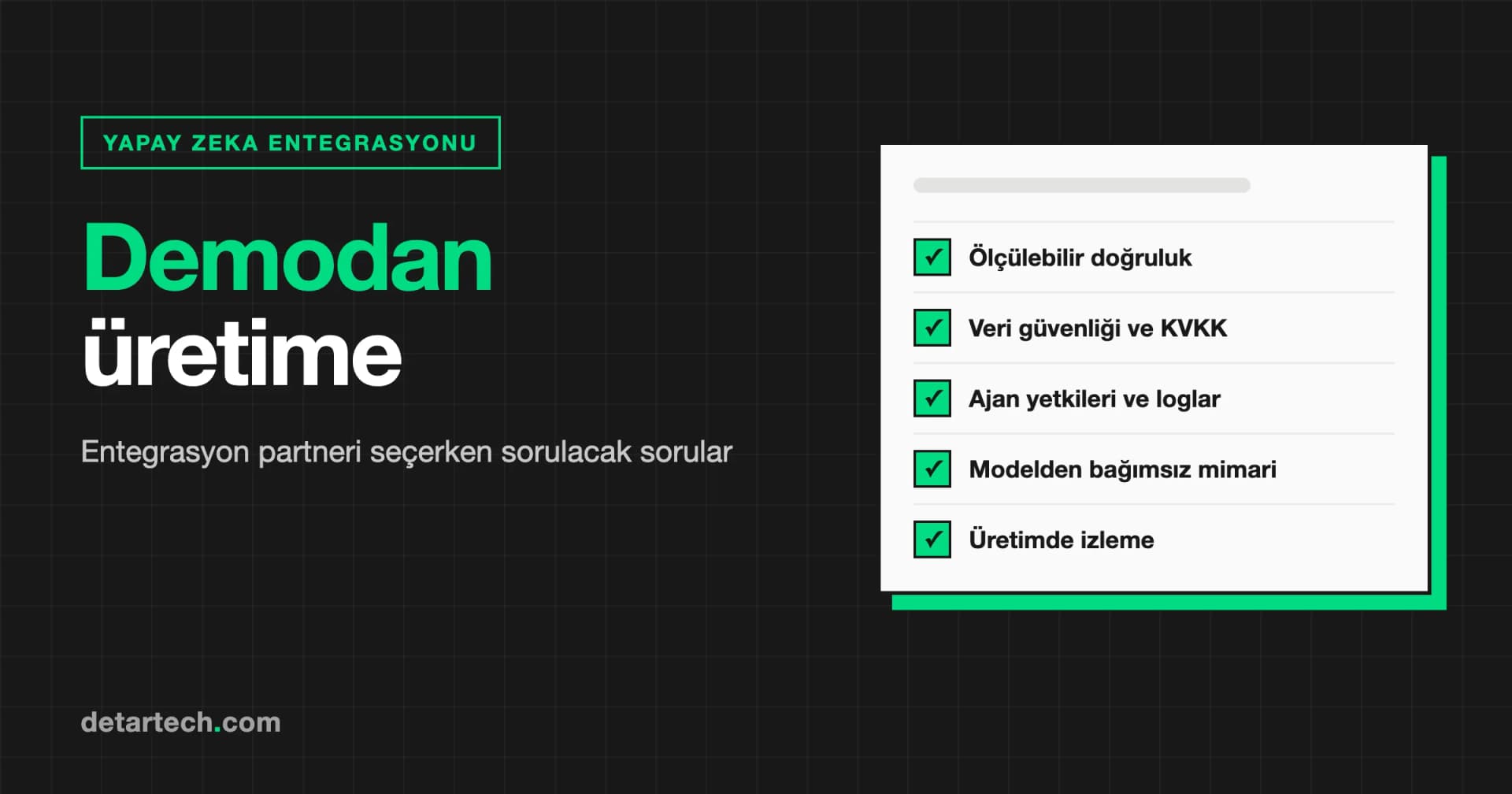
Pre-Deployment Checklist
- Start read-only; plan write tools as a separate project
- Design identity provider integration (EMA / ID-JAG) from the start
- Make sure permissions can be granted per tool, not one key for everything
- Log every tool call so who, when and with which parameters can be answered
- Write tool descriptions for the model, not copied from internal documentation
- Limit how many servers you connect; context bloat is a real cost
- Review third-party servers and restrict them at the network level
- Review your data access layer: which records should actually be exposed?
- Make sure every piece of metadata you publish has a working endpoint behind it
- Track your specification version; the protocol moves fast
Closing
The problem MCP solves is not new. The cost of connecting systems to each other is one of the oldest bills in software, and MCP takes that bill from multiplication down to addition. The technical gain is real.
But that is not the part that decides the outcome in an enterprise. You can stand up the protocol over a weekend; managing who reaches which tool on whose behalf, keeping the audit trail and explaining it to your security team takes months. That layer is exactly what matured in 2026.
Our advice is plain: start with a read-only server, tie authorization to the same door as the rest of the organization, and treat write access as a separate product. We run AI architecture and integration work under our AI Solutions service, and technical leadership under CTO as a Service. For the browser-side agent layer see our WebMCP article, and for measuring AI visibility see our GEO KPI article.
Related Services